Apple Device Management (MDM) for Business
We set up and run your Apple MDM, so every Mac, iPhone and iPad in your business is configured, secured and kept up to date without your team having to think about it. It’s fully managed by certified Apple specialists, as part of our Apple IT support.
Only need to manage iPhones and iPads, with no Mac fleet involved? See our dedicated iPhone & iPad Device Management page.

What is Apple MDM?
Apple MDM (mobile device management) is how a business deploys, configures, secures and supports its Apple devices from one place. Apple now calls it its Device Management Service, or DMS. It covers Macs, iPhones, iPads and Apple TVs.
MDM works alongside Apple Business (formerly Apple Business Manager), so company-owned devices enrol themselves the moment they’re switched on. From then on, settings, apps, security policies and updates are pushed out centrally.
Without it, each device is set up by hand, security depends on each person’s habits, and a lost laptop can’t be locked or wiped remotely.
What our Apple device management service includes
Our managed service covers the full lifecycle of every device in your fleet: from procurement and deployment through to security, support and eventual decommissioning.
Zero-touch setup
New Macs, iPhones and iPads ship straight to your team and set themselves up on first sign-in, with the right apps, settings and access ready. See what we’ve learned after 30 Mac deployments.
Apple Business setup
We set up and manage Apple Business, so device assignment, app licences and Managed Apple Accounts just work. Blueprints set devices up before they leave the box.
Security baselines
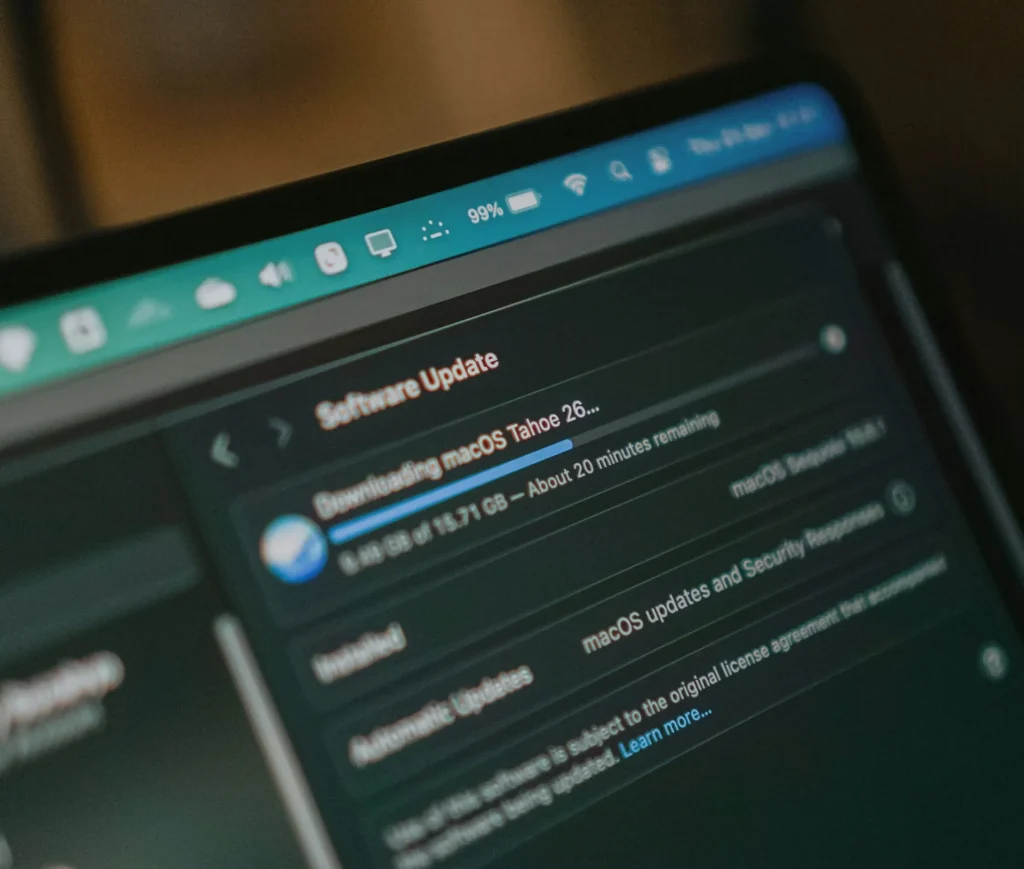
Disk encryption, update enforcement, password policy, firewall settings and compliance reporting, applied the same way on every device. It’s the evidence you need for Cyber Essentials.
Identity integration
Single sign-on with Microsoft Entra ID, Google Workspace or Okta, so your team uses one set of credentials, with conditional access if you need it.
App deployment and updates
The apps each team needs are installed automatically and kept up to date, from Microsoft 365 to Adobe Creative Cloud.
Lost devices and leavers
A lost or stolen device can be locked or wiped remotely. When someone leaves, access is removed and their device is ready for the next person. Here’s what happens to a Mac when an employee leaves.
Mac MDM for creative and professional teams
Most of our clients run Macs for demanding creative and professional work, so we set up Mac management that protects the business without slowing people down:
- Updates on your schedule. Security updates go out quickly, while major macOS upgrades wait until your key apps support them, so nobody loses a deadline to an incompatible plug-in.
- Admin rights handled properly. Staff can install approved software without permanent admin access.
- Encryption and recovery. FileVault is switched on everywhere, with recovery keys held securely so a forgotten password never means lost work.
- Visibility across the fleet. See which Macs are up to date, encrypted and compliant at a glance.
Read more about Mac management for creative teams.
iPhone and iPad management
Phones and tablets need their own rules, not just a copy of your Mac policy.
- Company iPhones and iPads are supervised, with passcodes, encryption, approved apps and remote lock and wipe.
- Staff using their own phones for work get user enrolment, which keeps work apps and data separate from personal photos and messages.
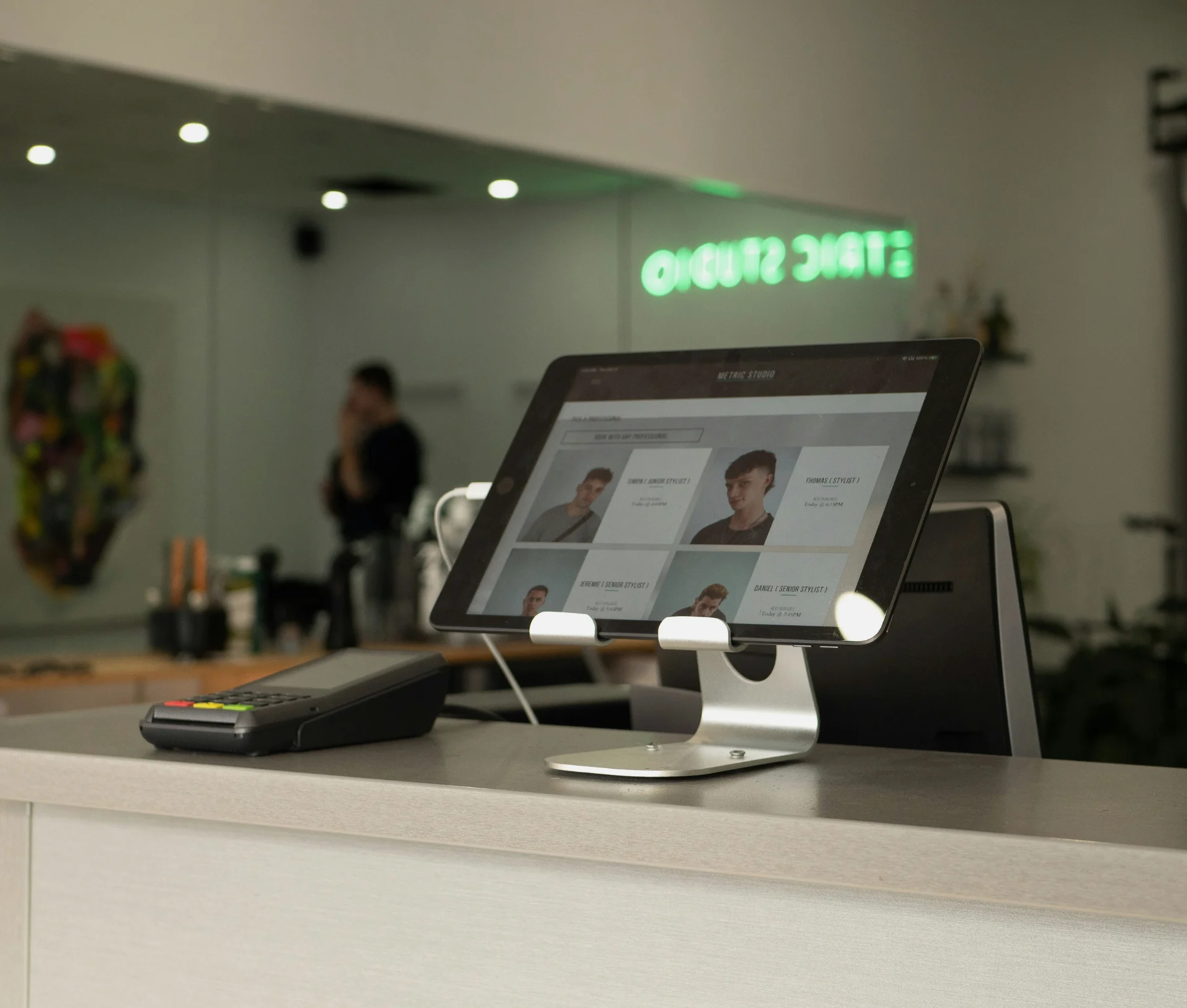
- Shared and kiosk iPads for receptions, studios and shop floors are locked to the apps they need. Should you put your reception iPad into kiosk mode?
Only need to manage iPhones and iPads? See our iPhone and iPad management.
The platform we deploy

A modern, cloud-native Apple MDM platform, and our default choice across Mac, iPhone, iPad and Apple TV.
Addigy gives us fast, clean deployment without unnecessary complexity, real-time visibility across your entire Apple fleet, and a setup we tune closely from day one. That’s why we recommend Addigy to the large majority of clients, regardless of fleet size.
What we offer
- Zero-touch deployment across Mac, iPhone, iPad and Apple TV
- Continuous tuning as Apple releases new OS features, across every platform
- Migration from manual setups, Apple Configurator, or another MDM
- Fully managed Addigy service as part of your IT support plan
The right setup depends on your fleet size, identity requirements, security needs and how you prefer to work, but for almost every business we work with, that setup is Addigy.
When we’d recommend something else: A smaller number of businesses are better served by Jamf, typically larger or more complex Apple fleets with strict compliance or audit requirements, teams with sophisticated scripting or app-packaging needs, or businesses already running Jamf who want a UK partner to take it over rather than migrate off it. We’ll flag this during your discovery call if it applies; for most businesses, it won’t.
If you’re not sure which platform is right for your business, that’s exactly the conversation we’d have during a discovery call. Either way, the platform is just the foundation; how it’s configured and managed is where the value comes from.
Apple Business now includes free built-in device management. It can be enough for a small, simple fleet, and we’ll tell you honestly if it’s enough for you. Most growing businesses need the automation, reporting and security controls a dedicated platform adds. Do you still need a third-party MDM?
Already on another platform? We can take over an existing Jamf setup, or plan a move, such as migrating from Jamf to Apple Business DMS.
Getting devices to your team, wherever they are
Device management starts before a Mac is switched on. Through our partner Tequipy, we can source new Macs, iPhones and iPads locally and have them enrolled in Apple Business before they ship, so they arrive ready for zero-touch setup on day one. That works whether your new starter is in London, New York or somewhere you’ve never hired before.
When someone leaves, the same process runs in reverse: collection from their door, a certified wipe with an audit trail, and storage until the device is ready for the next person (or resale if it’s reached the end of its life).
What this adds to your device management
- Local sourcing and delivery in 180+ countries
- Devices enrolled before shipping, so none of them reach your team unmanaged
- Local repairs and replacement devices
- Doorstep collection and certified data wiping when people leave
- Secure storage and redeployment to new starters
Our process
Discovery call
We look at your devices, identity setup, security needs and any platform you already use.
Apple Business and identity
We set up or tidy Apple Business and connect it to your identity provider.
Enrolment
New devices enrol automatically. Existing devices are moved across with a plan, so nobody loses work. Here’s what a Mac wipe takes with it.
Ongoing management
We tune your setup as Apple releases new features, and you get clear reporting on every device.
Apple device management included in your IT Success® Plan
Apple device management is delivered as part of our IT Success® Plans, alongside your service desk, security and strategy.
Stop managing devices. Start managing your business.
Tell us how many devices you have and how they’re set up today. We’ll show you what fully managed Apple device management looks like for your business.
Frequently asked questions
What is Apple MDM?
Apple MDM (mobile device management) lets a business set up, secure and update its Macs, iPhones and iPads from one place. Apple now calls it its Device Management Service (DMS).
Do I still need a third-party MDM now Apple Business includes one?
For very small, simple fleets, Apple’s built-in option can be enough. Most growing businesses need the extra automation, reporting and security controls of a platform like Addigy or Jamf. We’ll recommend what fits.
Can Apple MDM manage Windows devices too?
Apple MDM is built for Apple devices. In mixed environments we manage Windows alongside it, using one set of policies. See our Mac and Windows IT support.
How much does Apple MDM cost?
There’s usually a per-device platform licence, plus the cost of setting it up and managing it. With us, both are part of your IT Success® Plan. Book a free IT assessment for a clear quote.
Will we lose data when we move to a new MDM?
Moving existing Macs often means a wipe and re-enrolment. We plan backups and the order of work first, so your team doesn’t lose anything.
Can you take over our existing Jamf setup?
Yes. If Jamf is the right platform for you, we’ll take it over and manage it. If it isn’t, we’ll plan a move.