Mac and Windows IT Support Under One Team
Expert support for mixed Apple and Windows environments, from an Apple Premium Technical Partner
Your designers work on Macs, finance uses Windows, and everything lives in the cloud. We support all of it with one team, one service desk and one security standard, so nothing falls between two providers.
We work with creative, financial and professional services businesses across London and the UK, where a mix of Mac and Windows is normal.
Mostly on Mac? See our Apple IT support for business.


Why mixed environments need specialist support
Most IT providers are Windows-first. Macs get supported as an afterthought, with settings copied from Windows that slow them down, or they’re handed to a second provider. Either way, your team ends up with gaps:
- Files that won’t open or sync properly between Mac and PC
- Security rules that cover Windows laptops but miss the Macs
- Two sets of logins, two service desks and nobody owning the whole picture
- New starters waiting days because each platform is set up differently
We’ve supported Apple in business for over 20 years, and we support Windows to the same standard. Here’s why Windows-first support holds Mac teams back.
What we support across Mac and Windows
One service desk for every device
Mac, PC, iPhone, iPad or Android, your team contacts the same people and gets the same fast, friendly help.
One login across both platforms
We connect your Macs and PCs to the same identity provider, whether that’s Microsoft Entra ID, Google Workspace or Okta. Your team signs in once, and access is removed in one place when someone leaves.
Device management for Macs and PCs
We manage Macs with Addigy and Windows devices with Microsoft Intune, using one set of policies so every device meets the same standard. See our Apple device management.
Microsoft 365 and Google Workspace
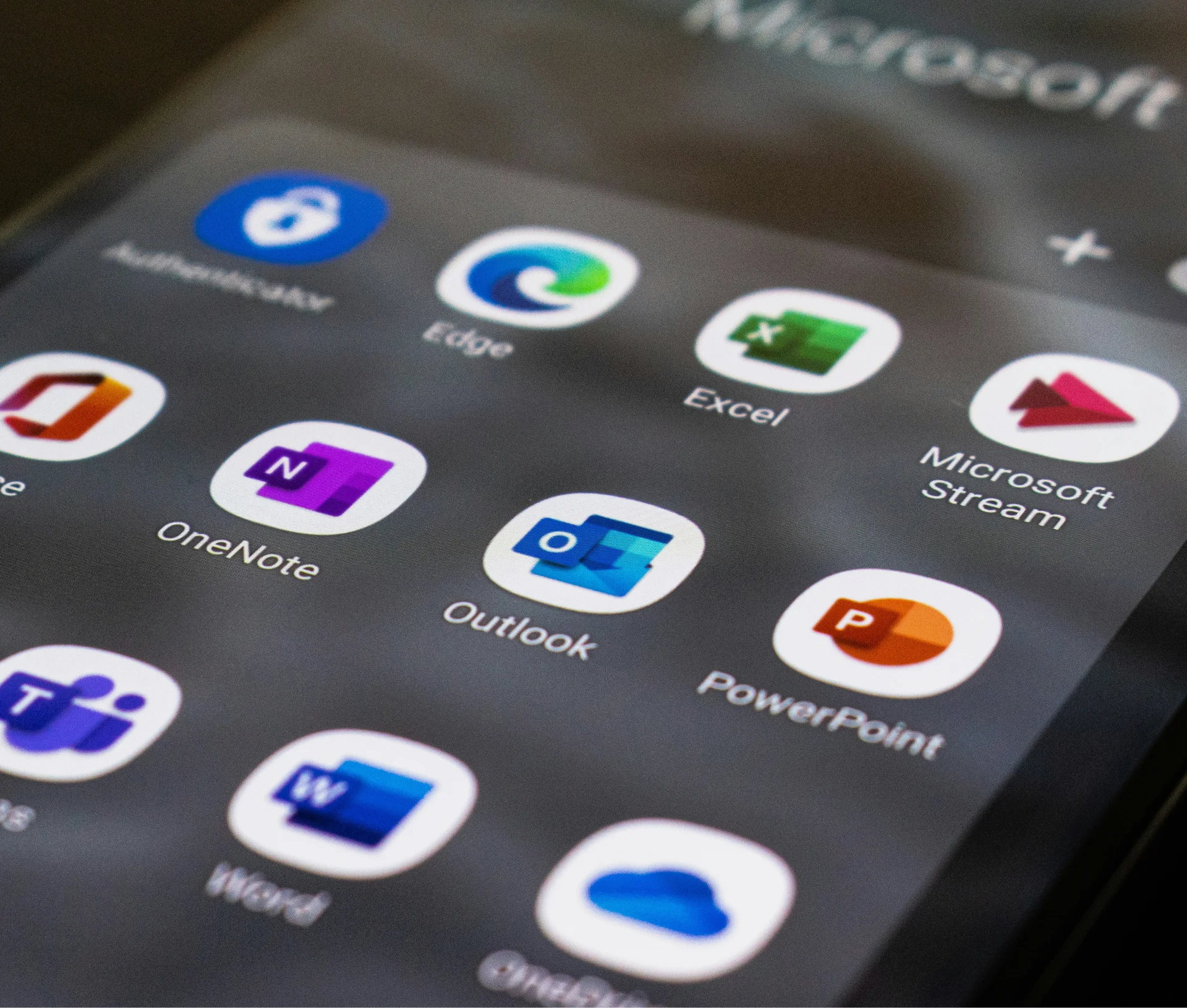
We set up, secure and support Microsoft 365 or Google Workspace so email, calendars and documents work the same on every device. Read about securing Microsoft 365 and Google Workspace.
File sharing that works on both
We set up cloud storage and permissions so Mac and Windows users can open, edit and share the same files without version clashes. Compare iCloud, OneDrive and Google Drive on Mac.
One security standard
Endpoint protection, patching and backups cover every device, so you can meet Cyber Essentials across your whole fleet. See the 7 blind spots in a hybrid IT environment.
Windows lifecycle planning
We keep Windows devices supported and plan upgrades before support ends, including Windows 10 Extended Security Updates.
.
Typical challenges we solve
- Compatibility and file sharing between Apple and Windows devices
- Downtime and disruption from outdated systems
- Device and data security in remote or flexible setups
- Onboarding and offboarding that works the same for every new starter
- No Apple expertise in your in-house team
Moving more of your team to Mac?
Many mixed businesses are moving more roles onto Mac. We plan the switch with you, from app compatibility to training, so nobody loses a day’s work. Read what switching from PC to Mac actually takes, or see our Apple deployment and projects.


Why Dr Logic?
Mixed Mac and Windows businesses choose Dr Logic because they get Apple specialists and Windows support from the same team, with one standard across every device.
- Apple Premium Technical Partner. Certifications verified by Apple, with direct escalation to Apple’s technical teams.
- Human-first support. No jargon and no hidden costs, just clear help for your whole team.
- A full-service partner. Helpdesk, cyber security and IT strategy from one team.
- Fully managed or co-managed. We can be your IT team, or work alongside the one you have.
One team for your Macs and PCs
Tell us how your setup works today and what’s getting in the way. We’ll show you what proactive IT support looks like for a mixed environment, and answer any questions you may have.
IT Success® Plans
Mac and Windows support is included in all three IT Success® Plans. Your price depends on your number of users and devices, the plan you choose and any add-ons.
Frequently asked questions
Can our Mac and Windows users share files without problems?
Yes. We set up shared cloud storage and permissions that work on both platforms, and fix the file naming and format issues that usually cause clashes.
Do we need separate device management for Macs and PCs?
Usually, yes. Macs are best managed with an Apple specialist platform such as Addigy, and Windows with Intune, confirm. We run both against one set of policies, so you get a single view of every device.
Can we get Cyber Essentials with a mixed fleet?
Yes. Every device in scope has to meet the same controls, whatever it runs. We set that up and keep the evidence ready. Read about Cyber Essentials.