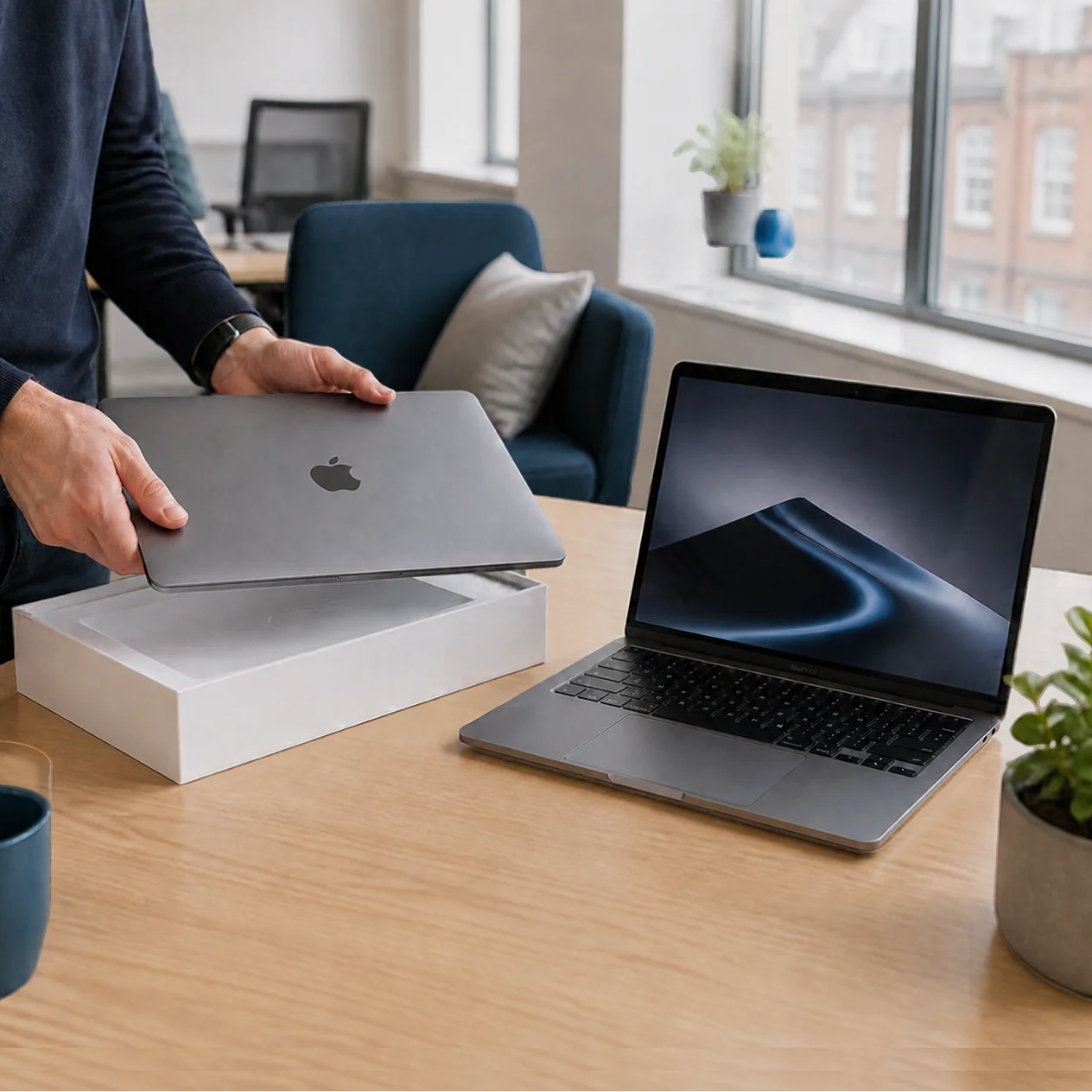
The transition to zero-touch deployment marks a real shift from the clunky, manual IT setups of the past to a modern, Apple-native workflow that finally solves the “onboarding crisis” for growing agencies. By moving device configuration into a smart, cloud-based architecture, firms across the UK can ensure a friction-free first day for every new hire, regardless of where they are working. This isn’t just about saving time; it’s about mastering the setup phase to build “protection by default” into every machine before it’s even unboxed, allowing your studio to scale up without the usual technical headaches.
The end of the “IT Day”
For fast-moving agencies, a new hire’s first day should be about culture and clients, not waiting for software updates. Yet, for many, the “onboarding crisis” is a frustrating reality. The traditional model involves unboxing a Mac, manually configuring it, re-boxing it, and couriering it to a new starter.
It is a slow, expensive, and error-prone legacy IT remnant. At Dr Logic, we believe technology should feel effortless. By shifting to a zero-touch model, agencies can transform a logistical headache into a seamless, human-first experience that sets a professional tone from the very first minute.
The mechanics of Apple-native automation
Zero-touch deployment isn’t just about shipping a box; it’s about a sophisticated, invisible architecture that prepares the machine while it’s still in transit. By linking Apple Business Manager with a modern Mobile Device Management (MDM) framework, the setup happens in the cloud.
A structured deployment framework includes:
- Pre-Configured Identity: The moment the Mac hits a Wi-Fi signal, it recognises the user. Their profile, permissions, and security settings are pulled down instantly.
- Automated Software Provisioning: Instead of a technician manually installing Adobe Creative Cloud, fonts, or Slack, these tools deploy automatically based on the user’s specific role.
- Immediate Security Enforcement: Encryption (FileVault) and sharing permissions are active before the user even reaches the desktop. This is security by design: built-in, not bolted on.
Strategic benefits for the modern studio
When you remove the need for a “central hub” where all laptops must go to be set up, you unlock a new level of operational freedom.
- Geographic Independence: Whether you are hiring a motion designer in Bristol or opening a satellite office in Edinburgh, devices can ship directly from the supplier to the user’s front door.
- A Consistent Creative Environment: Every Mac in the agency is configured identically. This drastically reduces “it works on my machine” support tickets and ensures that font libraries and plugin versions are synced across the whole team.
- Reclaiming High-Value Time: IT Managers should focus on long-term strategy and innovation, not repeating the same 20-step setup process every time they hire a freelancer.
Scalability without the headcount
For agencies scaling from 50 to 500 users, the manual approach eventually breaks. It requires more IT staff just to keep up with the churn of hardware. Zero-touch deployment is the only model that allows an agency to grow its headcount without doubling its IT overhead.
By mastering these automated workflows, you ensure that your infrastructure is as agile as your creative team. It’s about building a system that is Apple-native and always there, allowing your leadership to focus on the work they do best while we manage the complexity behind the scenes.
Summary of actionable takeaways
- Audit your onboarding time: Calculate exactly how many hours your operations or IT staff spend unboxing and configuring new machines.
- Review your Apple Business Manager status: Ensure your hardware is being purchased through the correct channels to allow for automated serial number registration.
- Assess your remote security: If a device is shipped directly to a remote worker, ensure you have a “kill switch” or remote wipe capability if it goes missing.
- Think Strategy, not Support: Move your IT conversation away from “fixing boxes” and toward “optimising the talent experience.”
Technology built on real trust
At Dr Logic, we understand that real relationships are built when things work exactly as they should. Zero-touch deployment is a prime example of how we simplify through understanding. We remove the friction of the “setup” phase entirely, so your new hires feel supported, and your studio stays secure.
If you are ready to solve the onboarding crisis and move toward a more scalable, Apple-native IT strategy, let’s have a real conversation.
Book a Consultation to Automate Your Deployment
FAQs
Does zero-touch work for remote freelancers?
Yes. In fact, that is where it shines most. We can ship a brand-new Mac directly to a freelancer’s home, and the moment they sign in, it becomes a managed, secure agency machine with all the necessary tools installed.
Can we use zero-touch for existing older Macs?
While the “box-to-desk” magic works best with new purchases, we can enrol your existing fleet into an MDM framework to ensure they follow the same automated security and software rules as the new models.
Is this only for Creative Agencies?
While we specialise in creative workflows, this model is equally vital for FinTech and Tech Start-ups in London and Manchester who need to scale quickly while maintaining strict data compliance and security.