Written by: Roman Marszalek
The shift to remote and hybrid work has been revolutionary. It’s given businesses access to a global talent pool, improved employee flexibility, and drastically reduced overheads. But this massive benefit comes with an unseen complexity: How do you manage, secure, and support a distributed ecosystem of devices, particularly when your team standardises on Apple Mac?
The core challenge has changed. It’s no longer just about connecting people; it’s about robustly managing corporate assets scattered across countless home networks. Local, traditional IT infrastructure simply doesn’t scale for global or fully remote teams.
The solution? Partnering with a specialist, fully remote IT provider whose operating model inherently understands and solves the unique headaches of remote Mac technology management.
The remote Mac conundrum: 3 specific headaches
Macs are beloved for their powerful performance and intuitive design, but when managed remotely, they create specific operational pain points that generalist IT teams often miss.
Unsecured ecosystems: endpoint security and compliance drift
The myth that ‘Macs are secure out of the box’ often leads to lax management. Remote work only exacerbates this risk, placing corporate devices outside the protection of the corporate firewall on potentially unsecured home networks, often mixed with personal devices.
- Enforcing core protections: Without physical access to a new device, it’s a major headache to confirm essential protections like full-disk encryption (FileVault) have been activated upon setup.
- Gatekeeper and XProtect management: It takes expert oversight to ensure macOS’s built-in protections remain consistently active and that busy users haven’t disabled them for convenience.
- Zero trust gaps: Maintaining a strong security posture (Zero Trust) is difficult when devices connect from unpredictable locations. If a Mac fails a pre-login security check, it can open the door to compliance risks (like GDPR), which is a serious business vulnerability.
The updating nightmare: disruption and deferral
Forcing critical system and application updates on a team spread across different time zones, who are all engaged in deep work, inevitably leads to ‘update fatigue.’ Users defer patches indefinitely, leaving known vulnerabilities open to attack and creating inconsistent software versions across the team.
- Bandwidth strain: macOS updates are often substantial in size, putting a significant strain on home internet connections and impacting the productivity of the entire household.
- The workflow interrupt: Updates often require mandatory reboots, which forcefully interrupt a user’s workflow and shut down critical applications. This hesitation to comply is completely understandable, but it leaves the business exposed.
- MDM enforcement complexity: Moving beyond simple user prompts requires sophisticated Mobile Device Management (MDM) implementation (such as Jamf, leveraging Apple Push Notification Service) to remotely control and enforce update deployment timelines without causing chaos.
The blind spot: remote troubleshooting and performance drag
It is impossible to simply walk over and check a physical port or power cable for a remote employee. Diagnosing ambiguous reports like ‘the Mac is slow’ or ‘the Wi-Fi is bad’ becomes an abstract, time-consuming investigation that leads to high employee downtime and intense IT frustration.
- Deep diagnostics access: Solving complex performance issues requires accessing command-line utilities and intimately understanding macOS logs. This is nearly impossible for non-technical employees to perform or for generalist IT staff to interpret effectively.
- Real-time remote control: General IT tools often struggle to provide smooth, high-fidelity remote screen sharing and control optimised for the Mac environment, resulting in laggy, unusable troubleshooting sessions.
- Isolating the root cause: The biggest challenge is remotely isolating whether a performance issue stems from a poor home network (like Wi-Fi interference or ISP throttling) or a genuine device/software flaw.
The strategic asset: why your IT partner should be remote
Your IT support should not be a reactive service but a strategic advantage. A specialised, remote-first IT partner transforms your technology from a risk into a seamless, highly productive asset.
Proximity of understanding
A remote IT partner is an expert in remote work because they live the remote work experience themselves. They use the same tools (VPN, MDM, cloud communications) they support, allowing them to troubleshoot with genuine insight and empathy.
True 24/7/365 coverage
A distributed IT team is uniquely positioned to offer ‘follow-the-sun’ support. This eliminates the time zone gaps that plague a global workforce, providing immediate response to critical issues regardless of where your employees are located.
The right toolset for distributed management
Remote IT partners are built from the ground up on robust cloud-first platforms (RMM, SaaS security, cloud backup). They do not rely on legacy on-premise tools or manual check-ins that are guaranteed to fail in a modern remote environment.
Dr Logic acts as a proactive partner by deploying the latest MDM tools to manage and secure your devices seamlessly, wherever they are.
Specialised, not generalist
By focusing solely on remote and hybrid environments, a specialised partner can scale their team with niche experts. This means you gain access to dedicated macOS and Apple ecosystem specialists – the kind of in-depth knowledge a small, local internal team could never afford or retain. Dr Logic handles the complexity, allowing your teams to focus on their primary business objectives.
Conclusion: from pain point to seamless productivity
The unique management challenges of remote Macs – from security and update disruption to complex remote diagnostics – require an operating model built for the future.
Partnering with a specialised Apple-first remote IT provider transforms your technology stack. Dr Logic removes the stress, handles the complexity, and ensures your remote Macs are secure, compliant, and performing optimally. We take a cyber-first mindset, building security into every aspect of device management, and offering scalable IT for growth that evolves with your business.
Don’t just support remote work – optimise it.
Take the next step
Is your distributed Mac team reaching its full potential? Dr Logic provides expert IT Strategy and Proactive Partnership to ensure your hybrid working environment is secure and highly productive.
Ready to move beyond reactive troubleshooting?
Let’s arrange a brief, complimentary consultation to discuss your current Mac management structure. We will show you how our specialist, Apple-first approach to remote IT support can provide the empowerment and reliability your team needs to thrive, giving you total confidence in your distributed technology stack, whether you run an entirely Mac or a hybrid environment.
Speak to a Dr Logic Mac Expert Today.
Related articles
- The Mac Security Myth: 7 Blind Spots in Your Hybrid IT Environment That Put Your Data at Risk
- Apple’s Endpoint Security Framework: How to Secure macOS in the Enterprise
- The IT Skills Gap: Why Outsourcing Still Beats Recruiting in 2025
FAQs
Why can't I just use in-house IT to support my remote Mac users?
In-house IT often lacks the deep, specialist knowledge of macOS required for complex remote troubleshooting and advanced MDM implementation. They also struggle to provide true 24/7/365 coverage across multiple time zones, leading to employee downtime.
How does remote IT handle new employee setup and device distribution?
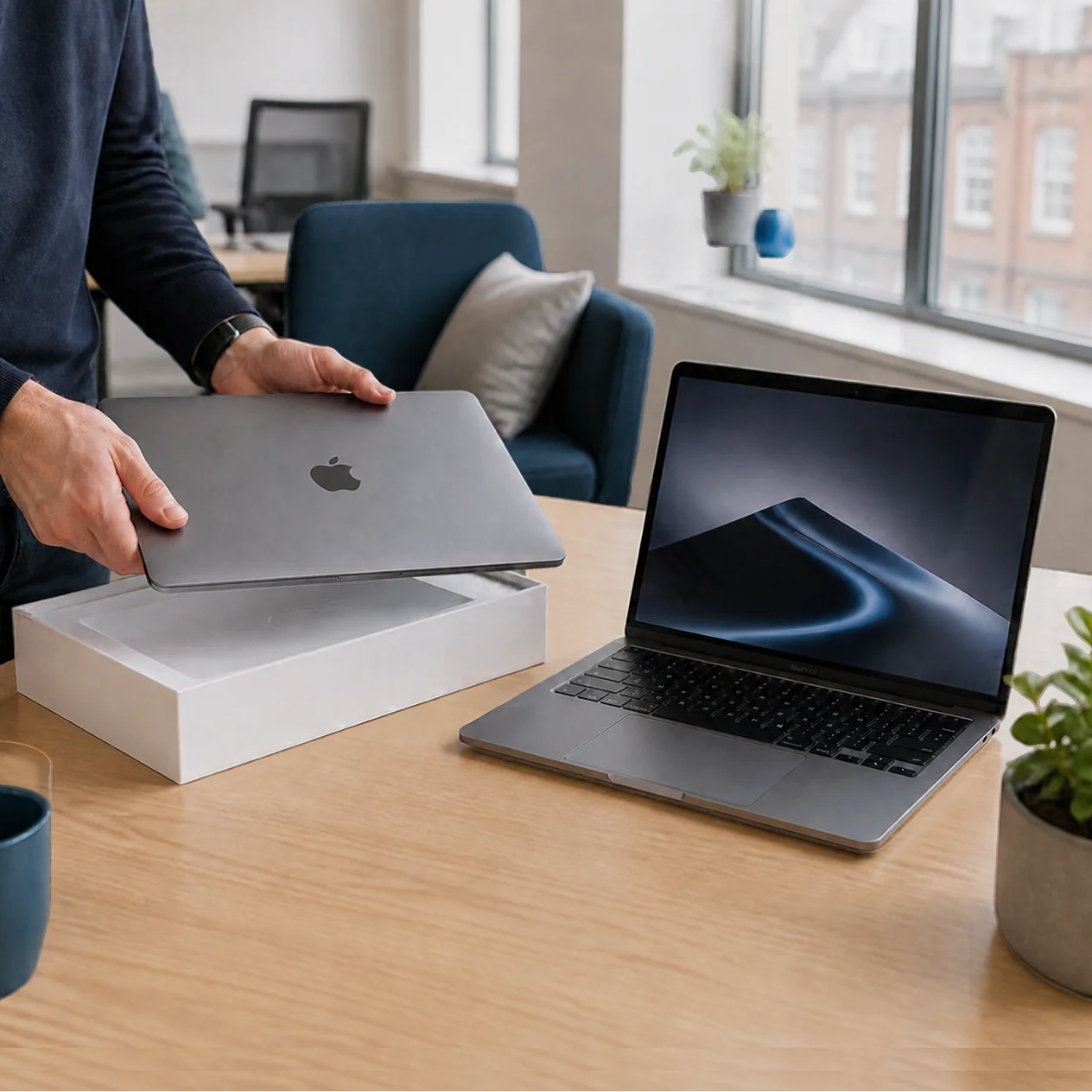
Specialist remote IT uses Zero-Touch Deployment via MDM (Mobile Device Management). We ship a factory-fresh Mac directly to the employee. When they open it, it automatically configures with all corporate settings, security, and applications over the internet – no physical IT interaction required.
What does 'cyber-first mindset' mean for our remote Macs?
It means we enforce essential security measures from the moment of setup, including mandatory disk encryption (FileVault), proactive patch management, and automated monitoring of macOS’s built-in protections. Security is an integrated feature of our support, not an afterthought.