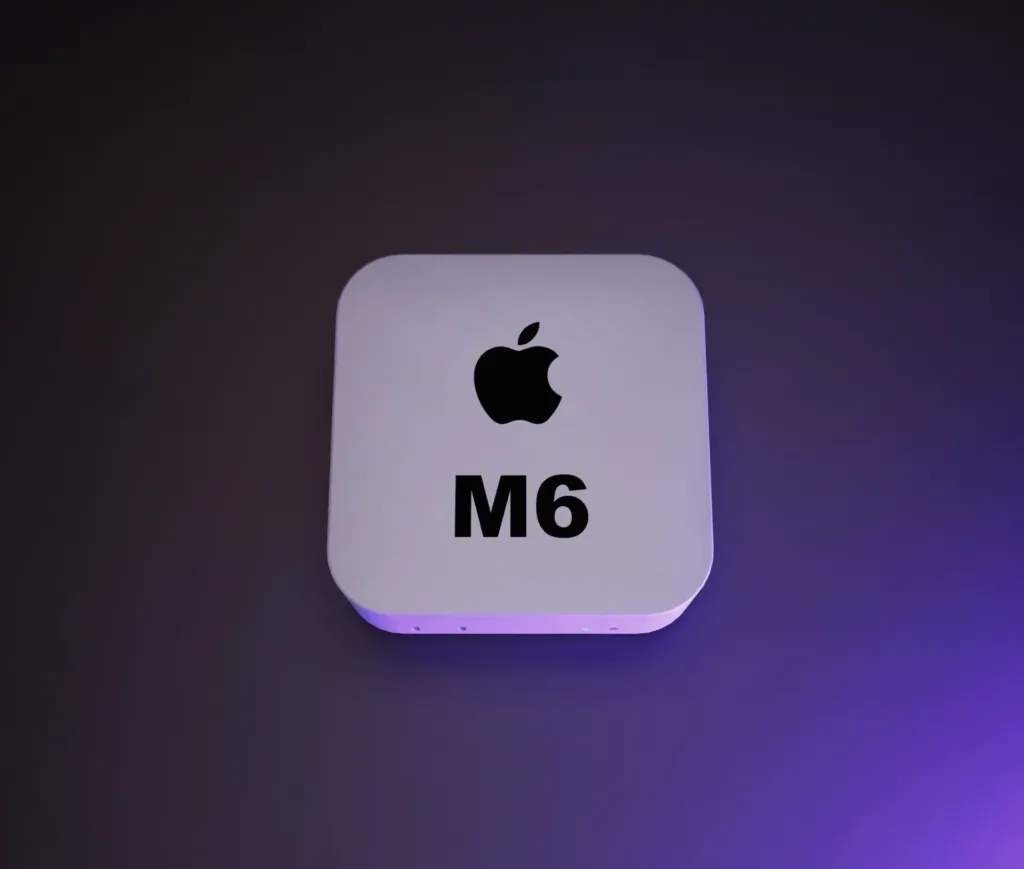
Apple’s new Mac mini M6 is the fastest Mac mini it’s ever built, and the most expensive one at entry level too. The base configuration now starts at £899, up from £599 for the outgoing M4 model, a rise the Guardian’s review ties to the memory chip shortage the industry started calling “RAMageddon,” which has pushed prices up across several Mac models, not just this one.
What’s actually different
The case hasn’t changed since the 2024 redesign: still a 12.7cm aluminium square, still small enough to sit behind a monitor. What’s changed is what’s inside it. Against the outgoing M4 Mini, the Guardian’s testing found the M6 chip runs around 25% faster on single-core tasks, 50% faster on multicore work, and about 75% faster for graphics, with the fastest single-core performance of any Apple chip so far.
It also ships with macOS 27 Golden Gate, which brings a substantially reworked Siri and Apple Intelligence. The headline addition is Siri reading what’s on screen to act on it directly, tracking a parcel from a code in an email, for instance, without you copying anything out. Apple Intelligence’s writing and summarising tools are built into most apps now, and one small addition the review singled out is genuinely useful for office admin: suggested file and folder names that match your existing naming conventions.
What you don’t get
Three Thunderbolt 4 ports, a 2.5Gb Ethernet socket, HDMI 2.1, and two front USB-C ports cover most setups well. What’s missing is any USB-A port. If your office still runs older USB-A peripherals, printers and scanners in particular tend to hang around, you’ll need an adapter or a dock. There’s no SD card slot either, which will matter for anyone handling camera media directly.
Memory and storage are fixed at the point of sale, same as every other current Mac. There’s no upgrading either after the fact, so it’s worth specifying correctly at order time rather than treating it as an afterthought.
Where it sits in the range
| Model | UK starting price |
|---|---|
| MacBook Neo | £699 |
| Mac mini M6 | £866 |
| MacBook Air M5 | £1,299 |
| iMac M4 | £1,499 |
| Mac Studio | £2,499 |
For a desk that already has a monitor, keyboard and mouse, the Mini remains the cheapest way into current Apple silicon, even with the price rise. Apple also sells an M5 Pro configuration for heavier multicore or graphics work, at a meaningful premium over the M6.
Choosing between a Mini, an Air and an iMac shouldn’t be guesswork
Dr Logic can map which desks need which Mac, and spec memory and storage correctly before you order.
Who it actually suits
The Mini is a strong fit for general office and hybrid desks that already have a screen and peripherals: reception, admin, account management, most day-to-day roles where the machine sits under a monitor and stays there. It’s a weaker fit for anyone who needs to plug in older USB-A hardware constantly, or who’ll outgrow the fixed memory within a year or two, for those roles, the extra cost of a higher configuration, or a different Mac entirely, is usually cheaper in the long run than replacing the machine early.
If you’re weighing a Mini against an Air or an iMac for a refresh, the real question is what’s already on the desk and what the role needs from the machine, not just which one costs less today.
Related articles
- MacBook Air with M5: Next-generation Silicon for everyday business performance
- MacBook Air or MacBook Pro? How to decide which Mac belongs in which hands across your business
- MacBook Neo: good enough for business? Six weeks on, here’s the honest answer
FAQs
Is the Mac mini M6 worth the price increase for a business?
For most office and hybrid desks, yes. It’s still the cheapest way into current Apple silicon if you already own a monitor and peripherals, and the performance jump over the M4 model is substantial. The main cost to plan for is that memory and storage can’t be upgraded later, so specify generously at order time.
What's new about Siri and Apple Intelligence on the Mac mini M6?
macOS 27 Golden Gate brings a reworked Siri that can read what’s on screen and act on it, plus writing, proofing and summarising tools built into most apps. A smaller but genuinely useful addition is suggested file and folder names that match your existing naming conventions.
Will our existing USB peripherals still work with the Mac mini M6?
Older USB-A devices, printers and scanners especially, will need an adapter or a dock, since the Mini has no USB-A ports. There’s also no SD card slot. Everything else, including monitors, keyboards and most modern peripherals, connects without any extra hardware.
Should we buy the standard M6 or wait for the M5 Pro configuration?
The M6 covers general office and hybrid roles comfortably. The M5 Pro configuration is for genuinely heavier multicore or graphics work, at a real premium over the M6, so it’s only worth the extra cost if a role specifically needs that headroom.