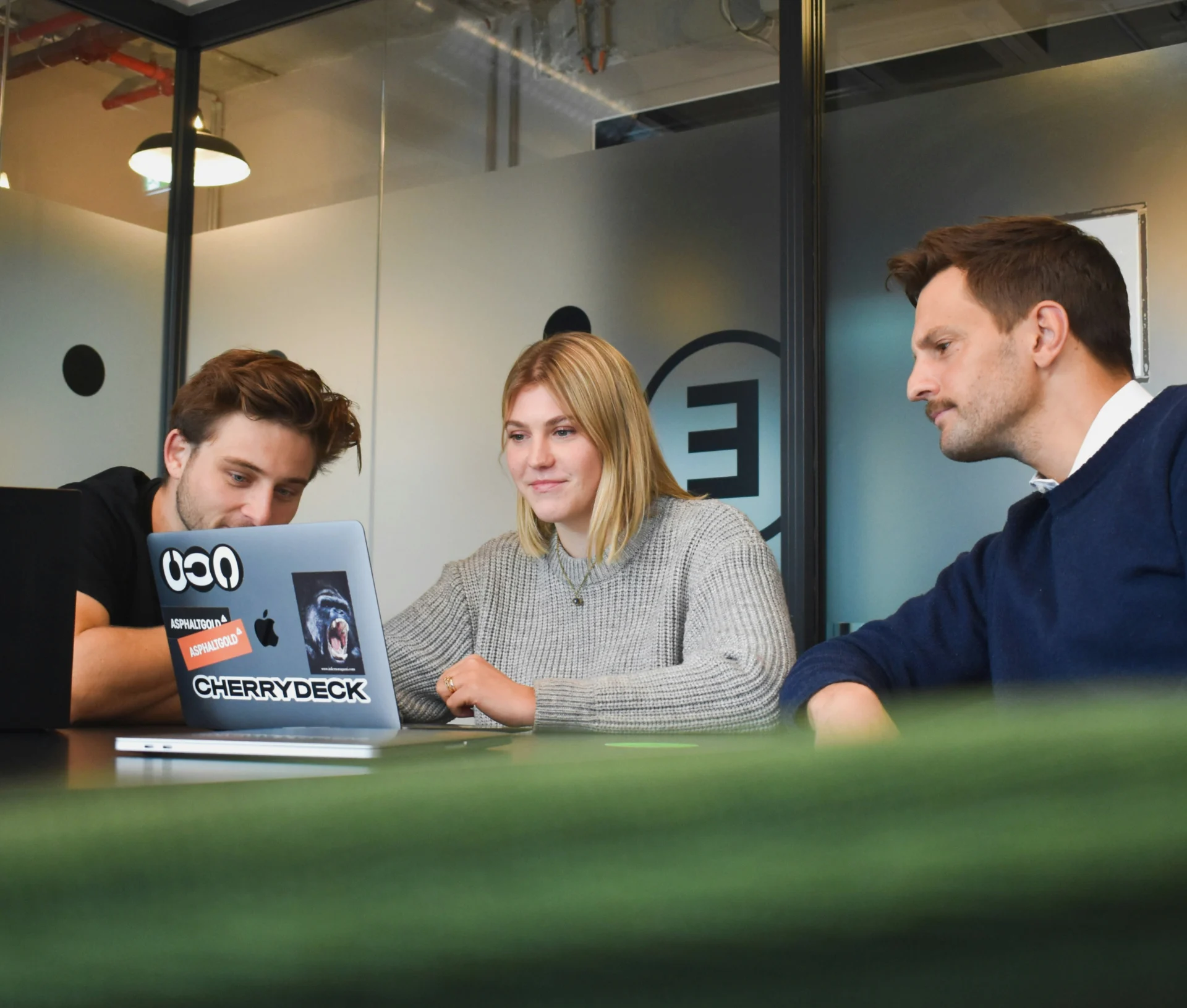
The modern workplace is defined by flexibility, but often, the technology holding it together is anything but. The key to successful hybrid operations is hybrid workplace design – creating a digital environment where collaboration is seamless, secure, and device-agnostic. This requires treating the entire digital experience, from the office meeting room to the home office, as a unified platform.
This article explains how to move past tech friction and design a digital workplace that truly empowers your people.
Why “hybrid” often means “hard work”
While the intent behind hybrid work is flexibility, poor technology implementation often introduces frustration, slowing teams down and harming the employee experience.
Challenges that erode productivity
- Inconsistent security: Applying different security standards for remote connections versus office networks introduces policy gaps and user confusion.
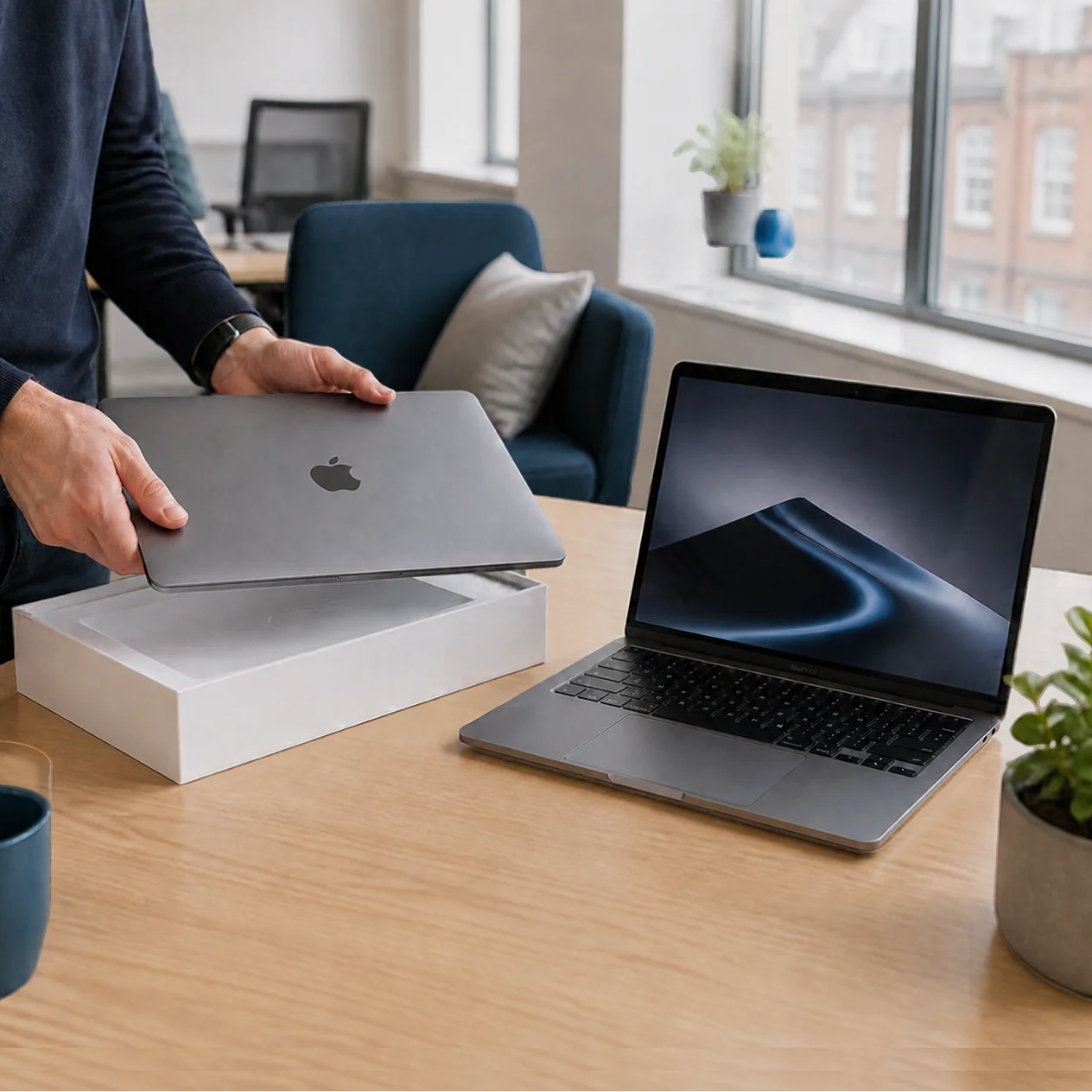
- The meeting room maze: Trying to connect a personal Apple laptop to an in-office Windows-based screen or collaboration tool often results in lost time and embarrassing technical failures.
- The morale drain: When tools are difficult to use or access is unreliable, employees lose trust in the technology and the processes, directly impacting morale and job satisfaction.
True hybrid success isn’t just about where people work; it’s about making sure the experience is effortless.
The pillars of a seamless hybrid experience
A successful hybrid workplace design focuses on eliminating friction points and ensuring technology supports human workflows, not the other way around.
1. Unified communications and connectivity
Prioritise platforms and solutions that work identically and perfectly on Apple, Windows, and mobile devices.
- Device agnosticism: Core collaboration tools (messaging, video, document sharing) must be platform-neutral to ensure seamless interaction between all users.
- Guaranteed performance: Invest in security solutions that maintain high-performance connectivity and security protocols, regardless of whether the user is in the office, fibre or home broadband.
2. Proactive and invisible support
When the technology is complex, the support system must be simple, proactive, and human-centred.
Dr Logic’s IT as a Service (ITaaS) model delivers an “invisible” support layer. We monitor, maintain, and optimise the entire environment to guarantee uptime and handle the technical complexity before users encounter an issue. This guarantees a high return on investment in terms of productivity and morale.
Designing for human confidence
The final metric of a great hybrid workplace design is the level of confidence and empowerment felt by your staff.
- Focus on user flow: Design IT solutions around the tasks employees need to complete, not around the limitations of a specific technology or operating system.
- Cyber-first security: Integrate security measures (like strong, managed MFA and consistent endpoint protection) that travel with the user and device, ensuring secure collaboration without constantly interrupting the workflow. This allows people to work confidently, knowing they are protected.
- Strategic partnership: Your IT partner must possess the necessary hybrid expertise to seamlessly manage and integrate your mixed fleet of Apple and Windows devices, ensuring a unified, secure experience for every user.
Actionable takeaways
- Audit collaboration friction: Identify the three biggest tech points of friction during a typical mixed-platform meeting or co-editing session.
- Invest in unified comms: Prioritise communication and collaboration platforms that deliver a truly identical, seamless experience across all devices and locations.
- Demand proactive support: Choose an ITaaS partner whose service model is focused on eliminating technical frustrations to boost staff morale and retention.
Build a future-ready digital workplace.
Related articles
- Building an IT Strategy for Apple-First or Hybrid Businesses
- Securing Microsoft 365 and Google Workspace for Hybrid Teams
- How to Migrate to a Hybrid Cloud Setup Without Disrupting Your Business
FAQs
What makes hybrid IT support different from traditional support?
Hybrid support is fundamentally about consistency and platform expertise. Traditional support focuses on the office network, but hybrid support must manage and secure both Apple and Windows devices flawlessly, guarantee a seamless experience for users anywhere, and maintain a unified security posture across all locations.
How can we secure collaboration tools without slowing users down?
You must adopt a Zero Trust mindset. Instead of slowing everyone down with VPNs, implement Conditional Access and MFA. This verifies the user’s identity and device security before granting access, securing collaboration tools proactively without adding unnecessary friction to the user’s workflow.
What is the biggest mistake businesses make when implementing hybrid work?
The biggest mistake is treating hybrid work as a technical problem rather than a design problem. They focus on buying new tools rather than designing a unified, seamless user experience. This leads to fragmented workflows, inconsistent security, and low staff morale due to constant technical frustration.