If your team works entirely from home, you don’t need to bring anyone’s home router up to Cyber Essentials standard. Several UK guides say otherwise, but the NCSC’s own requirements are clear: a router counts only if your organisation supplied it. What does count is every laptop and phone your people use for work, wherever they’re sitting.
That’s good news for your budget and slightly less good news for your device list.
Why the device is the perimeter for a team with no office
In an office, one firewall sits between your network and the internet. A fully remote team doesn’t have that. Each person connects through whatever broadband they have at home, so the protection has to travel with the device, and that’s how Cyber Essentials treats remote working too.
What does Cyber Essentials say about home workers?
Version 3.3 of the NCSC’s Cyber Essentials: Requirements for IT Infrastructure has applied to new assessments since 27 April 2026. Its section on home and remote working comes down to four points.
- Every company-owned or personal device used for your organisation’s business is in scope, wherever it’s used. That’s the NCSC’s default position.
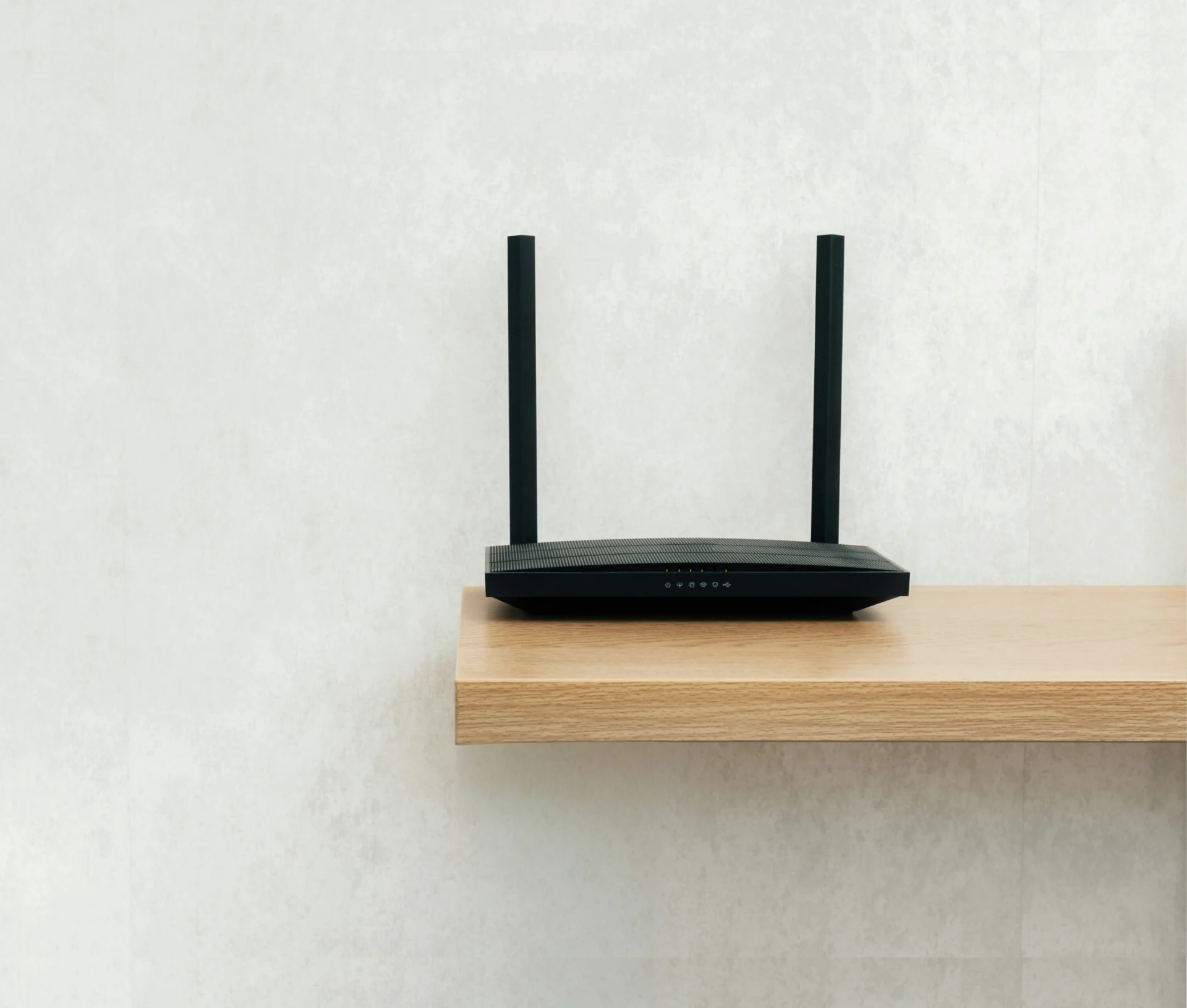
- If you give a home worker a router, that router is in scope. In the requirements’ own words, “all other routers are out of scope”, and the firewall controls move onto the user’s device instead, typically as a software firewall.
- If people connect through a corporate VPN, their internet boundary sits on your company firewall or your virtual or cloud firewall.
- A personal phone used only for its built-in calls and texts, or only for an MFA app, is out of scope. Add work email or Teams, and it’s in.
Two other v3.3 points matter more for a remote team than an office one. Cloud services can’t be excluded from scope, and authentication to them must always use MFA. Under the Danzell question set, a cloud service that offers MFA but doesn’t have it enabled is an automatic fail, and so is missing the 14-day window for critical and high-risk updates.
What that means for a Mac fleet
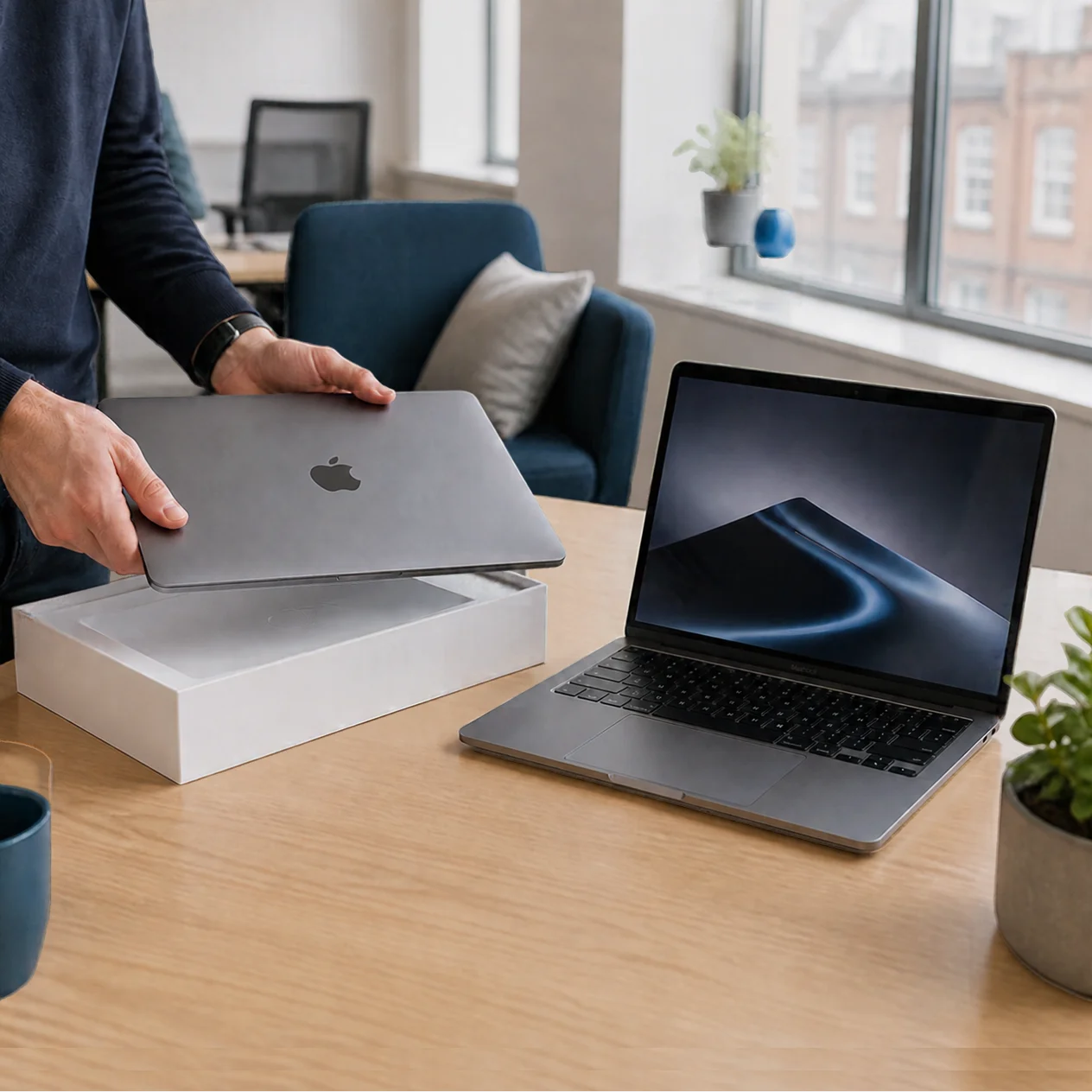
For a team running Macs, most of this is achievable with tools you already have, if they’re managed centrally. macOS includes a built-in firewall, and the requirements themselves advise using an operating system’s own firewall in preference to a third-party one. For a remote team, it needs to be enforced through device management, so nobody can turn it off at their kitchen table.
Updates work the same way. The 14-day window applies to critical and high-risk fixes, and with a DMS (formerly MDM) you can set update deadlines centrally and see which Macs have missed them. Our piece on patch management goes into the detail.
For malware protection, the requirements accept either anti-malware software or application allow listing, configured as they describe. Disk encryption isn’t one of the five controls, but on laptops that leave the house every day, Dr Logic recommends turning on FileVault anyway.
The hardest part for remote teams is usually evidence. When an assessor or client asks you to show every Mac’s firewall and update status, that should come from your management console instead of screenshots from staff. Our article on what device compliance evidence looks like shows what that can look like.
No office, no problem, as long as every Mac and phone is on the list.
We’ll review your remote team’s devices against Cyber Essentials v3.3 and show you where the gaps are.
What are people getting wrong?
“Home routers are now in scope.” This is the most common error, and it sends businesses off auditing equipment they don’t control. Unless you supplied the router, it’s out, and the firewall control sits on the device.
“We’re remote, so most of this doesn’t apply.” Remote working moves more of the requirements onto the devices themselves, and every one of them is in scope.
Personal laptops that nobody counted. If someone checks work email or opens shared files on their own laptop, it’s in scope and has to meet the same controls. Many teams haven’t listed them.
Phones with company email on them. This is the one that catches growing teams out. A personal phone with Outlook or Teams installed is in scope, which means it needs a supported, up-to-date operating system and a screen lock with a PIN of at least six characters. If you’re not sure how many phones in your business have work email on them, that’s a good place for us to start, and our Cyber Essentials support covers it.
Extra tools nobody asked for. You may have read that Cyber Essentials Plus requires endpoint detection and response on every Mac. The v3.3 malware control lists two accepted approaches, and EDR isn’t named in either. There can be good reasons to run it, but certification isn’t one of them.
For the cloud side, see our guide to securing Microsoft 365 and Google Workspace for hybrid teams, and for management, The Mac Management Mismatch.
What should you check this week?
You’ll want a clear answer to each of these before an assessor or client asks.
- Is every device that touches company data on a list, including personal laptops and phones?
- Is each one enrolled in device management?
- Is the firewall on and enforced, so it can’t be switched off?
- Do any people use personal phones for work email, and are those phones covered?
- If a client or assessor asked for evidence tomorrow, who would produce it, and from where?
If any of those gave you pause, we’re happy to review your remote working set-up against the requirements. Have a look at our Cyber Essentials support and get in touch.
Related articles
- The Mac Management Mismatch: why your remote team needs a remote IT partner
- What device compliance evidence looks like for a growing Apple fleet
- The Mac security myth: 7 blind spots in your hybrid IT environment that put your data at risk
FAQs
Is a home router in scope for Cyber Essentials?
Only if your organisation supplied it. The NCSC’s v3.3 requirements say routers provided by a home worker or their broadband provider are out of scope. The firewall control then applies to the person’s laptop or phone instead, usually as a software firewall. If staff connect through a corporate VPN, the boundary sits on your company firewall.
Are personal phones in scope for Cyber Essentials?
Only if they’re used for work. A personal phone used only for built-in calls and texts, or only for an MFA app, is out of scope. Once it has work email, Teams or other access to company data, it’s in scope and needs a supported, updated operating system and a proper screen lock.
Does Cyber Essentials require EDR on Macs?
No. The v3.3 requirements say malware protection can be met with anti-malware software or application allow listing, configured as they describe. Endpoint detection and response isn’t named. You may have other good reasons to run it, but certification doesn’t require it.
When did Cyber Essentials v3.3 come in?
Version 3.3, assessed with the Danzell question set, applies to new assessment accounts created from 27 April 2026. Under Danzell, missing MFA on a cloud service that offers it is an automatic fail, as is missing the 14-day window for critical and high-risk updates. Cloud services can’t be excluded from scope.