Updated: November 2026
The MacBook Neo is good enough for most of the people you’d hand a laptop to, and for a few of them it’s the wrong choice. That’s where we’ve landed eight months after launch.
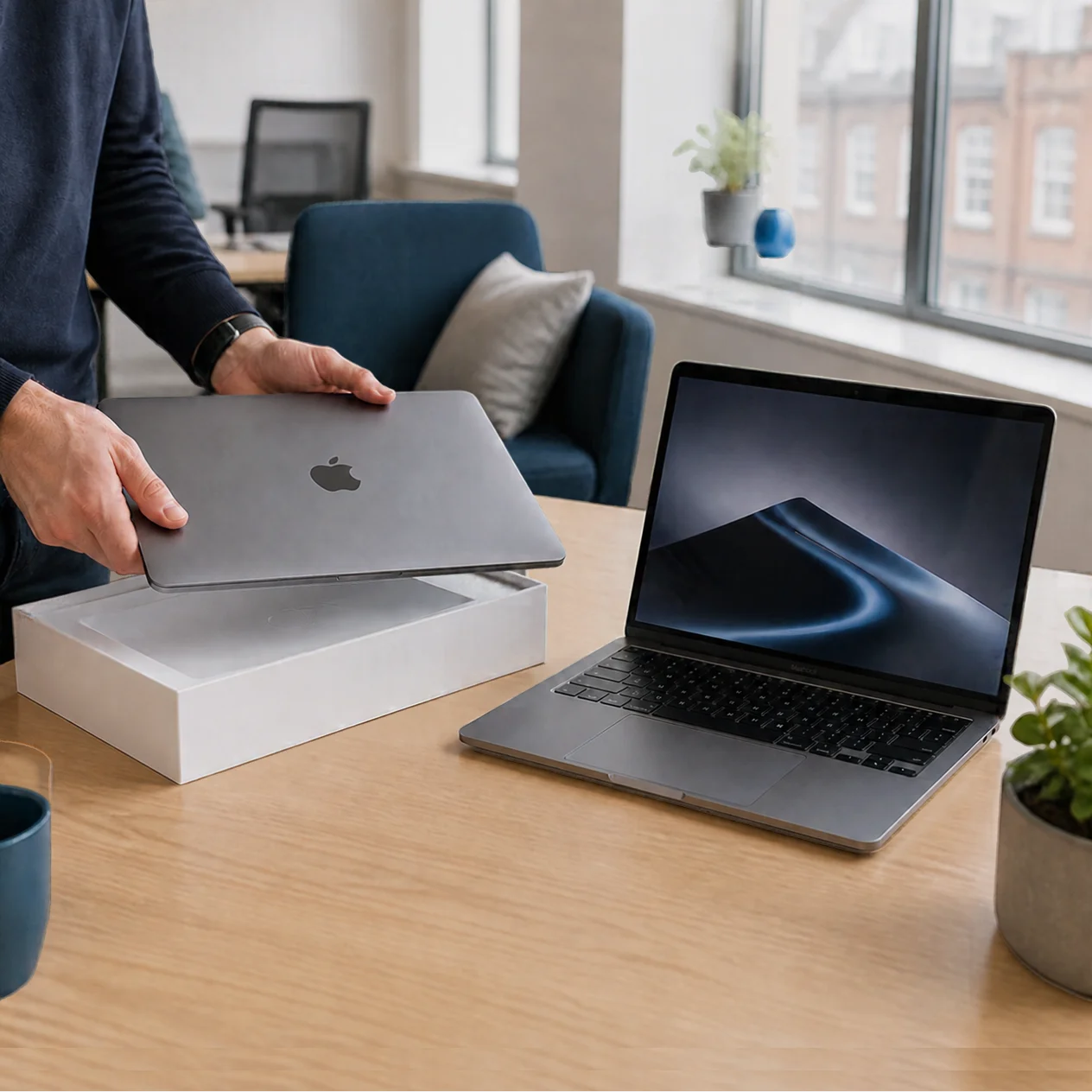
Apple’s cheapest Mac now starts at £699 for 256GB, or £799 for the 512GB model with Touch ID. Both went up by £100 in June, when Apple raised prices across its range to cover memory chip costs, but it’s still £600 less than a MacBook Air. It’s bringing new people to the Mac too: Tim Cook said the March launch week was the Mac’s best ever for first-time customers.
What Apple is doing with the Neo
I’ve been selling and supporting Apple kit since 2003, and for nearly all of that time Apple left the cheap end of the laptop market to everyone else. The Neo goes after the laptop you issue to everyday staff: the back office, the graduate intake, front-of-house teams, roles that usually got a budget Windows machine. Once someone has a Mac on their desk, an iPhone and an Apple Business account are an easy next step, and I suspect that’s the real plan.
Is the A18 Pro powerful enough for real work?
The Neo runs on the A18 Pro, the chip from the iPhone 16 Pro, and for everyday work it holds up well. Single-core performance, which decides how quick a laptop feels, benchmarks around the M3 and close to the M4. Day-to-day office work feels like a current Mac.
Multi-core is where it falls behind. Its six cores score roughly half what the latest MacBook Air manages, which you’d notice when editing video, compiling code or running virtual machines.
Memory is the hard ceiling. The Neo has 8GB and you can’t configure more. macOS copes well with a browser, Teams or Slack, Microsoft 365 and a few cloud tools. Add fifty tabs, InDesign and a local database, and it runs out of room.
Reviewers broadly agree. TechFinitive ran Word, Excel and InDesign on it without problems, and Tom’s Hardware flagged the multi-core gap but rated it fine for what most people do.
There’s no fan, so it’s silent, and Apple rates the battery at up to 11 hours of web browsing or 16 hours of video streaming, which gets most people through a working day away from a charger.
The trade-offs
To hit the price, Apple cut some corners. Most won’t matter in an office:
- No backlit keyboard, which you’ll notice on a train at night
- One of the two USB-C ports runs at USB 2 speeds
- No Thunderbolt, which rules out most serious docks, fast storage arrays and eGPUs
- No MagSafe, so it charges over USB-C
- Touch ID only on the £799 model
- A mechanical trackpad, where the Air and Pro have haptic ones
- Wi-Fi 6E, which is fine for almost every UK office
- 8GB of memory that can’t be upgraded, the limit that will age worst
Who the Neo suits
From the specs, the reviews and how we’d deploy one for a client, the Neo makes sense for:
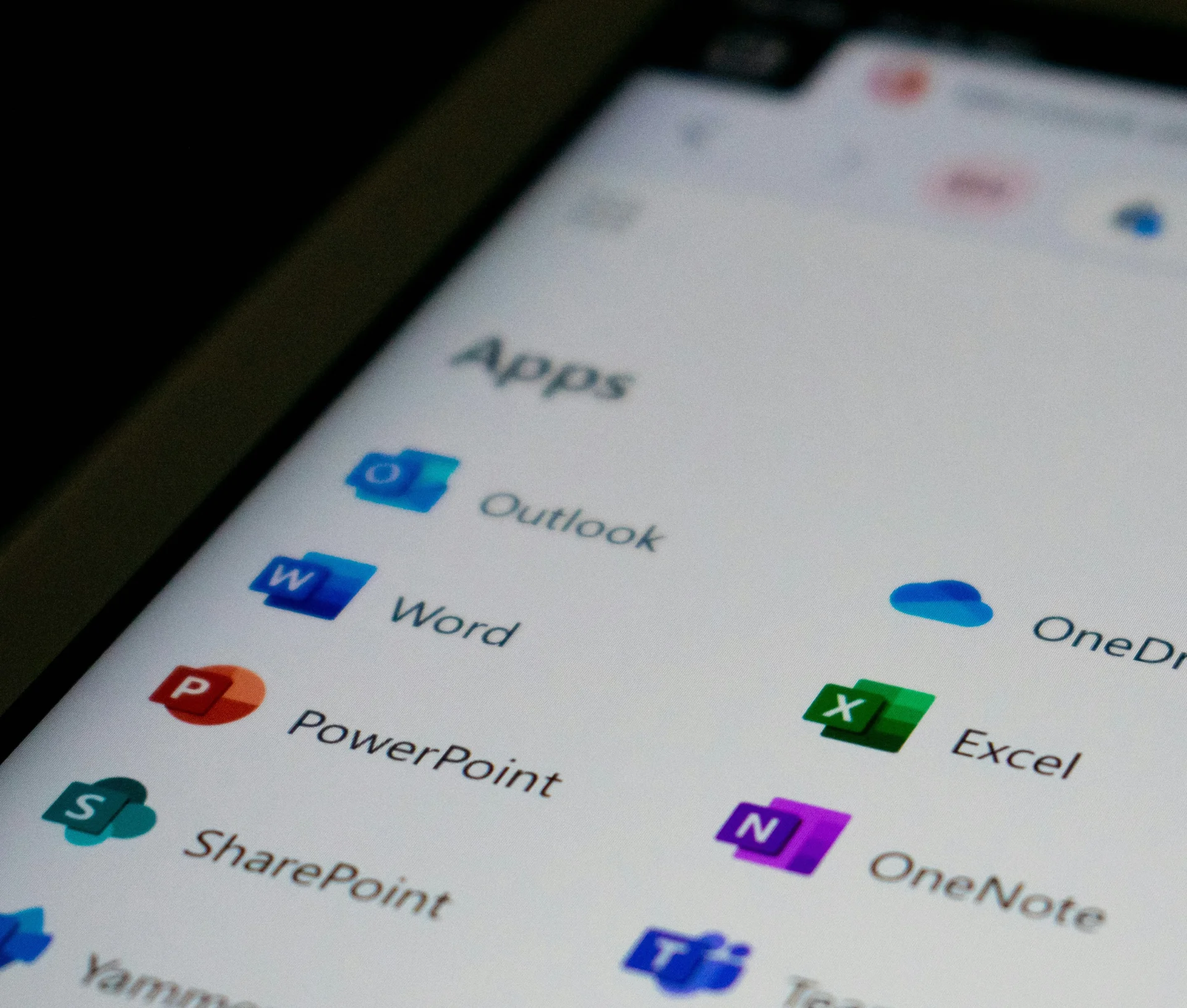
- Office staff whose day is browser-based tools, email, Microsoft 365 or Google Workspace, and video calls
- Retail, hospitality and front-of-house roles with light workloads
- New joiners, graduates and contractors, where a £1,299 Air is hard to justify
- A second or travel laptop for people with a more powerful machine on their desk
- Staff who already use an iPhone (more on that below)
- Businesses trying Macs for the first time
Rolling out Neos to the team?
We’ll enrol, secure and support them so each one is ready to use the day it arrives.
Who it’s wrong for
- Designers working in Adobe Creative Cloud at any scale. Photoshop and InDesign will run, but you’ll feel the 8GB quickly
- Developers using Docker, virtual machines, local AI models or large codebases
- Analysts working with big spreadsheets, large datasets or BI tools
- Anyone who needs Thunderbolt for storage, audio interfaces or multi-monitor docks
For those people we’d start with the MacBook Air, or the Pro where the work really needs it.
If your team already uses iPhones
A lot of the people the Neo suits already carry an iPhone, then sit down at a Windows laptop for work. For them, moving to a Mac is a short step. AirDrop sends files between the two, Universal Clipboard lets you copy on one and paste on the other, and iCloud Drive and Apple Passwords keep files and saved logins in step. Messages and FaceTime calls carry across as well.
That usually means less time showing people how things work. The main things to learn are keyboard shortcuts and Finder, and Microsoft 365, Slack and most browser-based tools work much as they do on Windows. If you’re moving people over, our Windows to Mac guide covers the rest of the switch.
What this means for your business
Getting a finance director to sign off £1,299 MacBook Airs for a graduate intake has always been a hard sell, so plenty of businesses skipped Macs for those roles or gave everyone an Air to avoid the argument. The gap to an Air is about £600 a person, which across thirty people comes to £18,000.
That makes it worth asking what each role actually needs. Some people need a Pro, plenty are well served by an Air and some would be happy on a Neo, and the savings come from getting that mix right.
It also makes letting staff choose their own laptop more realistic. A short menu, with the Neo as the standard option, the Air for people who need more and the Pro for creative and technical roles, gives people a say without the budget running away from you. For the policy side, our BYOD policy template is a good starting point for the rules on who owns and looks after what.
Piloting the Neo in phases
You don’t need to move a whole team onto Macs to find out whether they suit you. At Apple’s list prices, a ten-person pilot on Airs costs around £13,000, and on Neos it’s about £7,000. We’d run it in stages:
- Start with a team that works mostly in the browser, such as sales, HR or recruitment. That’s the work the Neo handles best.
- Give Neos to your next graduate intake and compare their support tickets with a similar group on Windows laptops. After a few months you’ll have real numbers to take to finance.
- Offer Neos as travel laptops to managers who already have a more powerful machine.
However many you start with, set them up through Apple Business and your DMS (formerly MDM) so they can ship straight to the person using them. Each one enrols the first time it connects to Wi-Fi and picks up your apps and security settings, FileVault encryption included. It has the same security hardware as other Apple silicon Macs, including the Secure Enclave.
If you’re planning a Neo pilot or a wider rollout, we’re happy to talk it through and get the Macs set up before they reach anyone’s desk. Book a chat with the team.
Our take
For a big part of the UK workforce, the Neo is enough laptop. Designers, developers and anyone who pushes a machine hard will be frustrated within a fortnight. Even after the June price rise, it’s the cheaper Mac businesses have wanted for years.
If you’re working out where the Neo fits, our IT strategy work starts with what each role needs and what you’re spending now. Once the Macs are in, Dr Logic’s IT Success Plans cover the day-to-day support.
Related articles
- Apple Has a New CEO – Here’s What It Means for Businesses Built on Apple
- Refurbished vs new Macs for business fleets
- Beyond the Spec Sheet: How to Build a Mac Refresh Strategy That Saves Money and Reduces Waste
- What a Mac wipe takes with it, and what to sort before yours
FAQs
Is the MacBook Neo good enough as a main work laptop?
For most office work, yes. Email, Microsoft 365 or Google Workspace, browser-based tools and video calls all run well, because the A18 Pro’s single-core speed is close to an M4. It struggles with sustained heavy work like video editing, development or virtual machines, and its 8GB of memory can’t be upgraded.
How does the MacBook Neo compare to the MacBook Air?
The Neo costs £699 against the Air’s £1,299 and keeps up with it for everyday speed. The Air has a more powerful M5 chip, more memory options, Thunderbolt, a backlit keyboard, a haptic trackpad and longer battery life. We’d give the Air to anyone who pushes their laptop and the Neo to people who work mostly in a browser.
Can we manage the MacBook Neo alongside our other Macs?
Yes. It runs full macOS and works with Apple Business and the same DMS (formerly MDM) platforms as any other Mac, including Addigy, Jamf, Iru (formerly Kandji) and Microsoft Intune. Zero-touch setup, security policies and app deployment all work the same way, so a Neo sits in your fleet just like an Air or Pro.
Is the MacBook Neo a good first Mac for staff moving from Windows?
For most office staff, yes, especially if they already use an iPhone. Microsoft 365 and browser-based tools work much as they do on Windows, and AirDrop and Universal Clipboard will feel familiar. The main things to learn are keyboard shortcuts and Finder. Check any Windows-only software they rely on before you switch them over.
Should we let staff choose between a Neo and an Air?
It can work well if you set the rules first. We’d make the Neo the standard option for general roles, offer the Air to anyone whose work needs more memory or speed, and keep the Pro for creative and technical teams. Agree upfront who approves an upgrade and what happens if someone outgrows their Neo.