
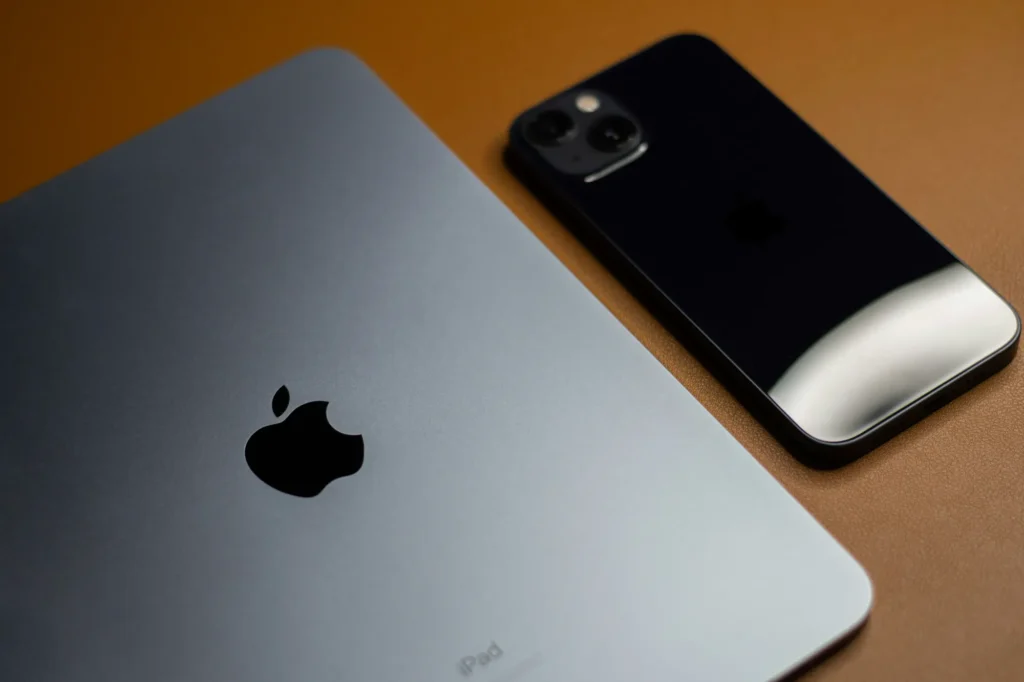
Managing iPhones and iPads for a business covers enrolment, supervision, app control, and restrictions specific to iOS and iPadOS, not just extending whatever policy already governs your Mac fleet. Treating mobile devices as an afterthought to Mac management is the most common gap Dr Logic sees in businesses setting this up for the first time.
This management is a distinct discipline that can be provided as a standalone service, regardless of whether your desktop fleet is Mac or PC.
Addigy, one of the Device Management Service platforms Dr Logic partners with, has told us it has seen roughly seven-fold growth in demand for Apple mobile device management over the past few years. The businesses driving that growth are, in our experience, usually the ones that treated iPhone and iPad management as an afterthought to whatever already governed their Mac fleet, then had to catch up fast.
Managing iPhones and iPads for a business covers enrolment, supervision, and app control
Every managed iPhone or iPad starts with enrolment, and how it’s enrolled shapes everything else about how it can be managed.
Enrolment through Apple Business sets the management foundation
Devices bought through Apple Business, formerly Apple Business Manager, can enrol automatically the first time they’re switched on, with no manual configuration step required. This is the foundation for zero-touch deployment, and it’s the same enrolment pathway used for company-owned Mac fleets, run through the same Apple Business account.
Supervised mode unlocks the controls a business actually needs
A device enrolled as company-owned can be set to Supervised Mode, which unlocks a much deeper set of restrictions than an unsupervised personal device allows, things like blocking specific apps outright, controlling which accounts can be added, and enforcing configuration profiles that can’t be removed by the user. Unsupervised devices, typically personal devices used under a BYOD policy, get a lighter touch by design.
We’ve covered how to structure that distinction properly in a templated BYOD policy.
iOS and iPadOS device management works differently from managing a Mac fleet
A Device Management Service (formerly Mobile Device Management), DMS for short, applies broadly similar underlying protocols across Mac, iPhone, and iPad, but what it actually controls differs by platform in ways that catch businesses out.
App distribution is the clearest example. On a Mac, users are used to installing software from outside the App Store, and business management often needs to account for that. On iPhone and iPad, app distribution runs almost entirely through the App Store and Apple Business’s volume purchasing, which makes licensing and deployment far more centralised, but also means any business-critical app needs to actually exist as a proper App Store listing.
Restriction profiles are the other major difference. iOS and iPadOS support far more granular restrictions than macOS in some areas: camera access, specific communication apps, content ratings, because the platform was designed from the outset for shared and managed use cases like education and retail.
| Factor | Mac Fleet | iPhone and iPad Fleet |
|---|---|---|
| Primary enrolment method | Apple Business, or manual setup for existing devices | Apple Business, built for zero-touch from first boot |
| App distribution | App Store plus outside sources | Almost entirely App Store and volume purchasing |
| Restriction depth | Broad system-level controls | Highly granular, built for shared and managed use |
| Typical ownership model | Almost always company-owned | Mixed, company-owned and BYOD side by side |
A properly set up mobile fleet uses zero-touch deployment and ongoing monitoring
Getting this right the first time avoids a slow, manual rollout later. Our Apple Business deployment checklist covers the enrolment side of this in more detail.
What a properly configured iPhone and iPad fleet looks like in practice:
- New devices ship directly to the end user and enrol automatically on first boot through Apple Business, with no IT visit required
- Supervised Mode is applied automatically to every company-owned device as part of enrolment, not added later as an afterthought
- Restriction profiles and required apps are pushed the moment the device connects, before the user signs in for the first time
- Ongoing monitoring flags devices that fall out of compliance, a missed update or a removed profile, without IT needing to check manually
Dr Logic recommends building the enrolment and supervision policy before the first device ships, not after the second or third one turns up unconfigured. Retrofitting supervision onto a device already in daily use by an employee is far more disruptive than setting it correctly from day one.
If your business is setting up or reviewing iPhone and iPad management for the first time, talk to our Apple IT Support team about getting the enrolment and supervision policy right from the start.
What this means for your business
Mobile devices need their own deliberate management approach, not an assumption that whatever governs your Mac fleet automatically covers them too. Dr Logic can provide expert management for the mobile fleet as an independent service, separate from the desktop environment. Getting enrolment, supervision, and restrictions right from the first device avoids the much bigger job of retrofitting them onto a fleet already in daily use.
Related articles
- Why Apple Device Management Isn’t Just an IT Task – It’s a Security Strategy
- Templated BYOD Policy (guide)
- The Apple Business Deployment Checklist (guide)
FAQs
What does managing iPhones and iPads for a business actually include?
It covers enrolment through Apple Business, applying Supervised Mode to company-owned devices, controlling app distribution and installation, and enforcing restriction profiles specific to iOS and iPadOS. It is a distinct discipline from Mac fleet management, not an extension of it.
Is managing iPads and iPhones the same as managing a Mac fleet?
No. Both use the same underlying enrolment system through Apple Business, but app distribution, restriction depth, and typical ownership patterns differ significantly between the two platforms. A policy built for Mac doesn’t automatically translate to mobile devices.
What is supervised mode, and does every business device need it?
Supervised Mode unlocks deeper management controls, including stricter app and account restrictions, and is available only on company-owned devices. It’s recommended for any device the business owns outright, but not appropriate for personal devices used under a BYOD policy.
Can new iPhones and iPads be set up without IT physically touching each device?
Yes, through zero-touch deployment. Devices enrolled through Apple Business can ship directly to the end user and configure themselves automatically on first boot, applying supervision, restrictions, and required apps without IT needing to handle the device first.
Can Dr Logic manage our business iPhones and iPads if we use Windows PCs?
Yes. Mobile device management is a distinct discipline from desktop management. We can manage your mobile fleet as a standalone service, ensuring your devices are properly enrolled, supervised, and secured, regardless of the operating system running on your desktop computers.




















