If you still set up each new Mac yourself, one app and one setting at a time, you’re far from the only one. Plenty of the businesses that come to Dr Logic ran things that way for years, and with a handful of people it works well enough.
What fixes it is Apple endpoint management: a device management system (DMS, formerly MDM) that sets up, updates and secures every Mac from one place. Here are seven signs it’s time, and what changes once you have one.
1. New starters wait days for a working Mac
Someone joins on Monday and spends the morning watching a progress bar, then most of Tuesday chasing logins for the apps they need. Each new Mac takes an hour or two of someone’s time to set up properly.
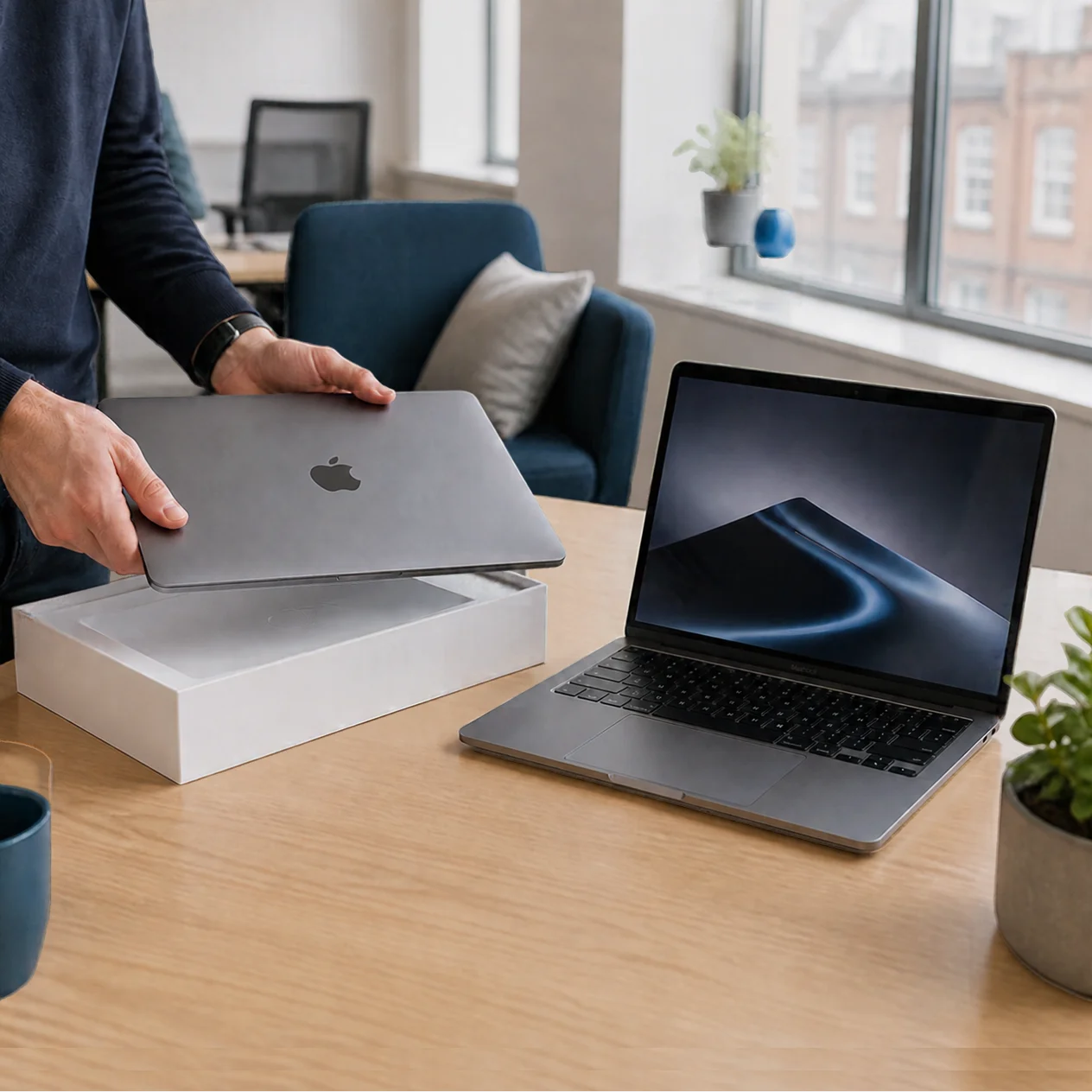
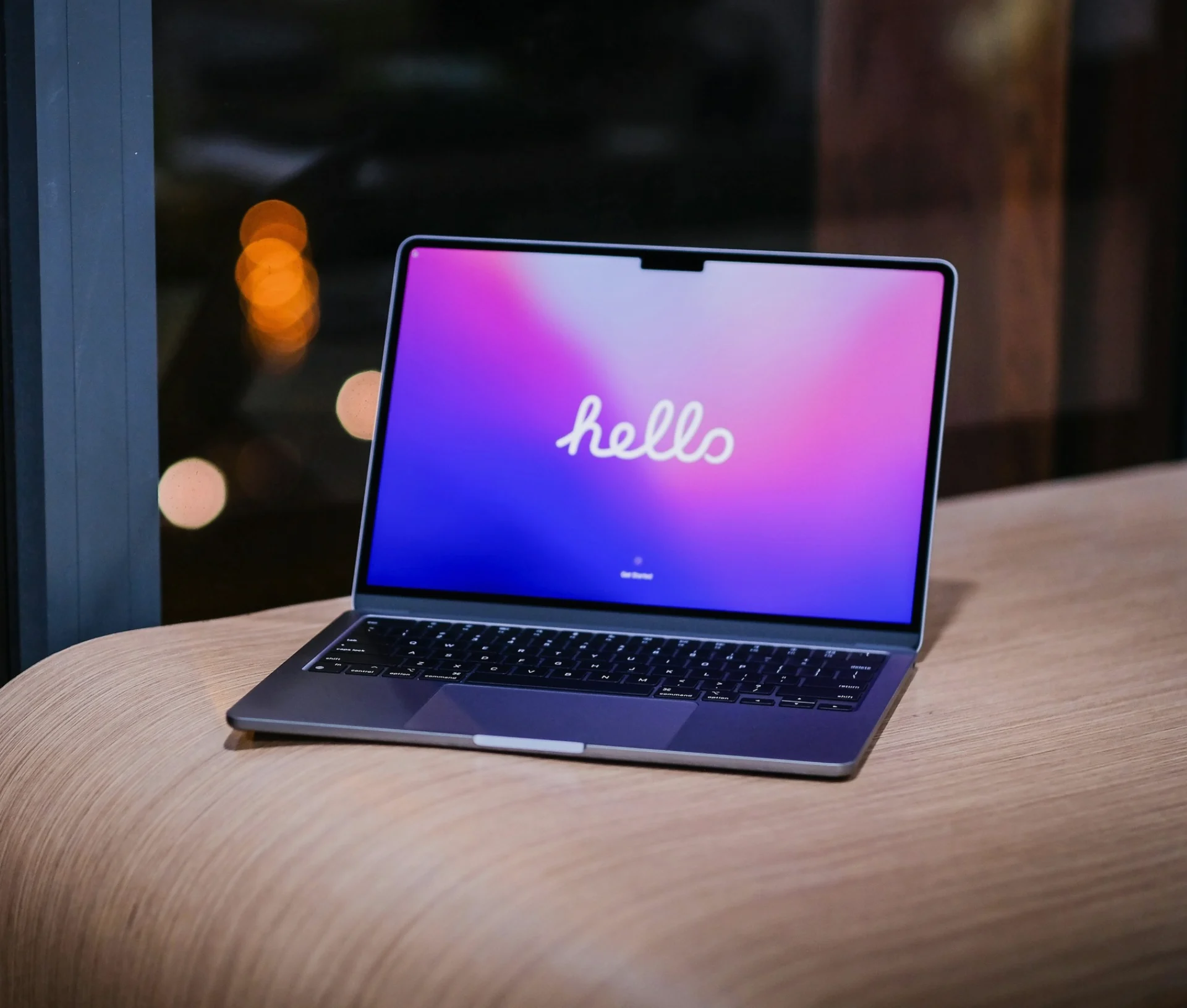
With Apple Business and a DMS in place, a new Mac can go straight to the starter’s home, still sealed. They switch it on and sign in, and it enrols itself, installs the apps and settings for their role and turns on encryption. Apple calls this zero-touch deployment. Our Apple deployment checklist covers what needs to be in place first.
When a new starter in New York needed a Mac, we used Tequipy, one of our partners, to buy it and get it to them there. Tequipy looks after work hardware for companies with people in different countries. It sources devices locally in more than 140 countries, delivers them and collects them again when someone leaves. Paired with zero-touch deployment, that means a starter on the other side of the Atlantic gets the same setup as someone in your main office.
2. You can’t say how many Macs you own
Ask who has the MacBook Air bought in 2022 and you’ll often get a pause, then a spreadsheet last updated by someone who’s since left. That causes knock-on problems: replacements are hard to plan, insurance claims get awkward, and old Macs sit in drawers still signed in to company accounts.
A DMS keeps a live inventory showing each Mac’s model, serial number, macOS version, who it’s assigned to and when it last checked in.
3. Updates happen when people get round to them
Left to themselves, staff click “Remind me tomorrow” on macOS updates for weeks. We don’t blame them; the prompt always seems to arrive five minutes before a client call. Each delay leaves a known security gap open, though, and if you hold Cyber Essentials or are working towards it, high-severity fixes need applying within 14 days.
Central management lets you set an update deadline, give people fair warning beforehand and see at a glance which Macs are behind. You stop chasing individuals, and you have a record to show an assessor. Our Cyber Essentials team can help with the rest of that picture.
4. A lost laptop means a very long evening
A MacBook left on a train is annoying. If you can’t check whether it was encrypted, locked or erased, the evening gets a lot longer, especially when there were client files on it.
Managed Macs have FileVault encryption switched on at setup, with the recovery key held in the DMS. They can also be locked or erased remotely. When a laptop goes missing, you can check it’s encrypted and lock it from your desk.
If that’s happened to you recently, or you’d simply like to know you’re covered next time, we’re happy to take a look at how your Macs are set up.
5. Offboarding takes longer than onboarding
When someone leaves, their Mac needs signing out of everything, wiping and preparing for the next person. Done by hand, steps get missed. The classic is Activation Lock. A Mac handed back still tied to the leaver’s personal Apple Account can’t be reset until they release it, and by then they’ve usually moved on.
Macs bought through Apple Business and enrolled in a DMS stay tied to the company. You can clear Activation Lock, wipe the Mac and hand it to someone new without needing the leaver at all, and access to company apps can be removed the afternoon they go.
6. One person has become the office Mac fixer
Most teams have one. They were handy with computers once, and now a good part of their week goes on “can you just have a quick look”. The work they were hired for slips.
Most of those quick looks are the same few fixes on repeat: a printer that’s dropped off, an app that needs reinstalling, a setting someone changed. A DMS lets you push a fix to every Mac at once, or give staff a self-service catalogue so they can install approved apps themselves. The interruptions tail off, and your unofficial IT person gets their week back. If you’d like to keep that person and give them proper backup, co-managed IT is built for exactly that setup.
7. No two Macs are set up the same way
One person has admin rights, and another doesn’t. Some have the firewall on, and a few have screen lock set to never. Each Mac drifted on its own, so every troubleshooting session starts from scratch.
With settings applied centrally, every Mac gets the same baseline: screen lock, encryption, firewall, standard user accounts and the right apps. When something does go wrong, you’re comparing it against a setup you know.
Where to start
If two or three of these sound familiar, it’s probably time to stop doing it by hand. Apple Business is a sensible first step. It’s free, and since April it includes built-in device management, with Blueprints for setting up groups of devices and zero-touch deployment for new ones. For a small, Apple-only team, that covers a lot of the list above.
As you grow, you’ll probably want more, such as patching for non-Apple apps, detailed reporting or managing Windows laptops alongside your Macs. That’s where a dedicated DMS earns its place. Addigy is our go-to for most of the fleets we look after, and Jamf is the right fit for businesses whose needs call for it. Both connect to Apple Business, so anything you set up there carries over.
If you’d like a second opinion on where your business sits, our Apple Business IT Support team can run through your setup with you.
Related articles
- Apple’s Endpoint Security Framework: How to Secure macOS in the Enterprise
- The Apple Business deployment checklist
FAQs
What is Apple endpoint management?
It’s the software and setup that lets you manage every Apple device in your business from one place. A device management system (DMS) handles setup, updates, security settings, app installs and remote lock or wipe, so nobody has to configure Macs individually. It works with Apple Business to enrol company-owned devices automatically.
Is Apple Business device management enough for a small business?
For a small team using only Apple devices, it can cover a lot. It’s free and includes Blueprints and zero-touch deployment. Once you need detailed reporting, patching for non-Apple apps or Windows management alongside your Macs, a dedicated DMS such as Addigy or Jamf, where your needs call for it, is the better fit.
Can we bring Macs we already own under management?
Yes. Existing Macs can be added to Apple Business using Apple Configurator, then enrolled in your DMS, which usually means a reset. Macs bought through an Apple Authorised Reseller can often be added from the purchase record. We’d normally plan these in batches so nobody loses a working day.
Do we need a DMS if we only have ten Macs?
Not always on day one. With ten Macs, Apple Business’s built-in device management may do the job. The signs to watch for are slow onboarding, missed updates and no clear way to lock a lost laptop. If any of those already apply, central management is worth setting up now.