Apple’s Certified Refurbished Macs cost up to 15% less than new ones, come with the same one-year warranty, and can be covered by AppleCare. For a lot of roles in a business fleet, that makes them a sensible buy. Where it needs more thought is stock, battery condition and how many years of macOS updates each model has left.
This usually comes up at refresh time, when the budget’s set and the numbers don’t quite stretch to new Macs for everyone. So here’s how refurbished compares with new for a business, and a simple way to decide which roles on your team can run on one.
Is Apple Certified Refurbished the same as a new Mac?
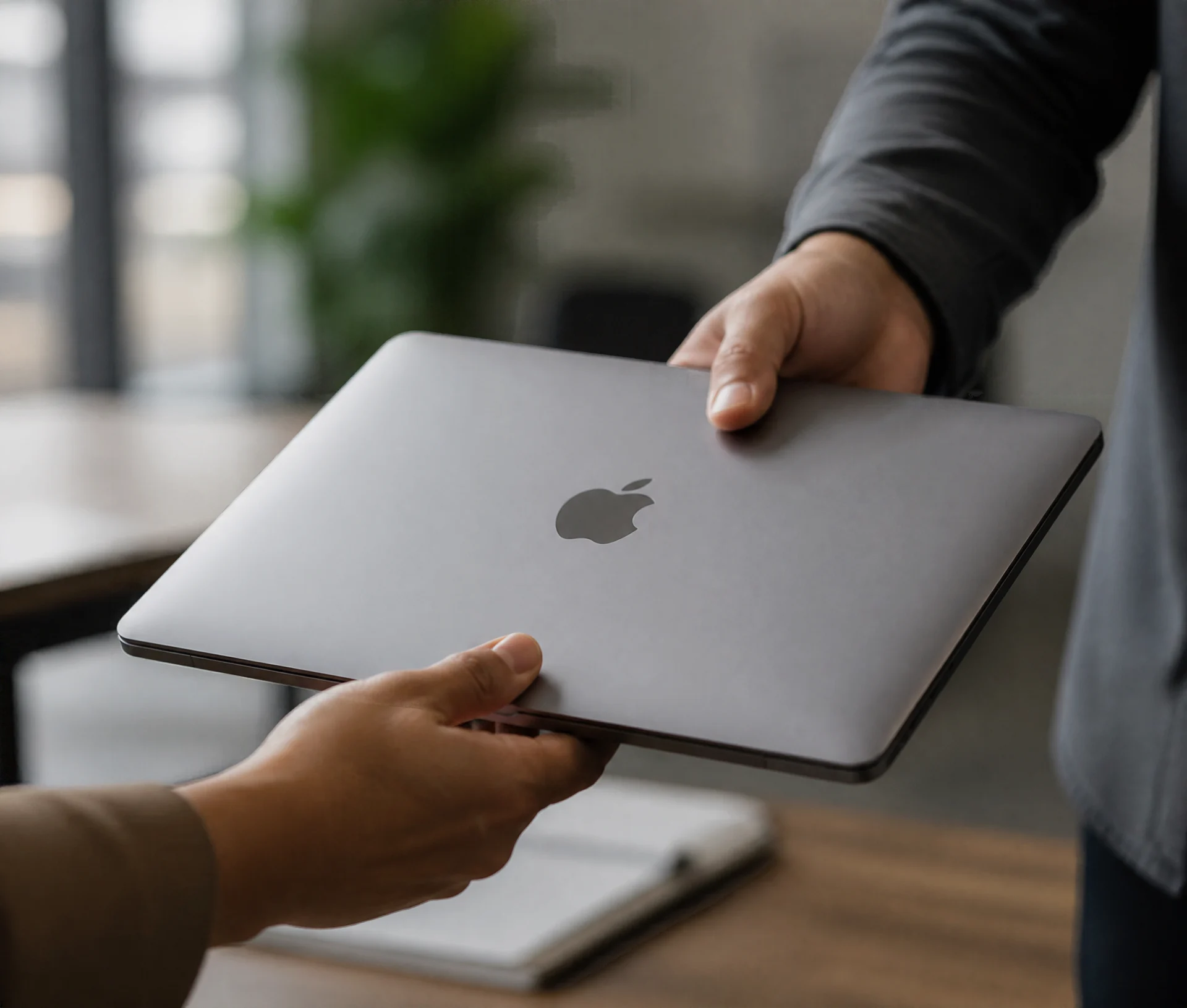
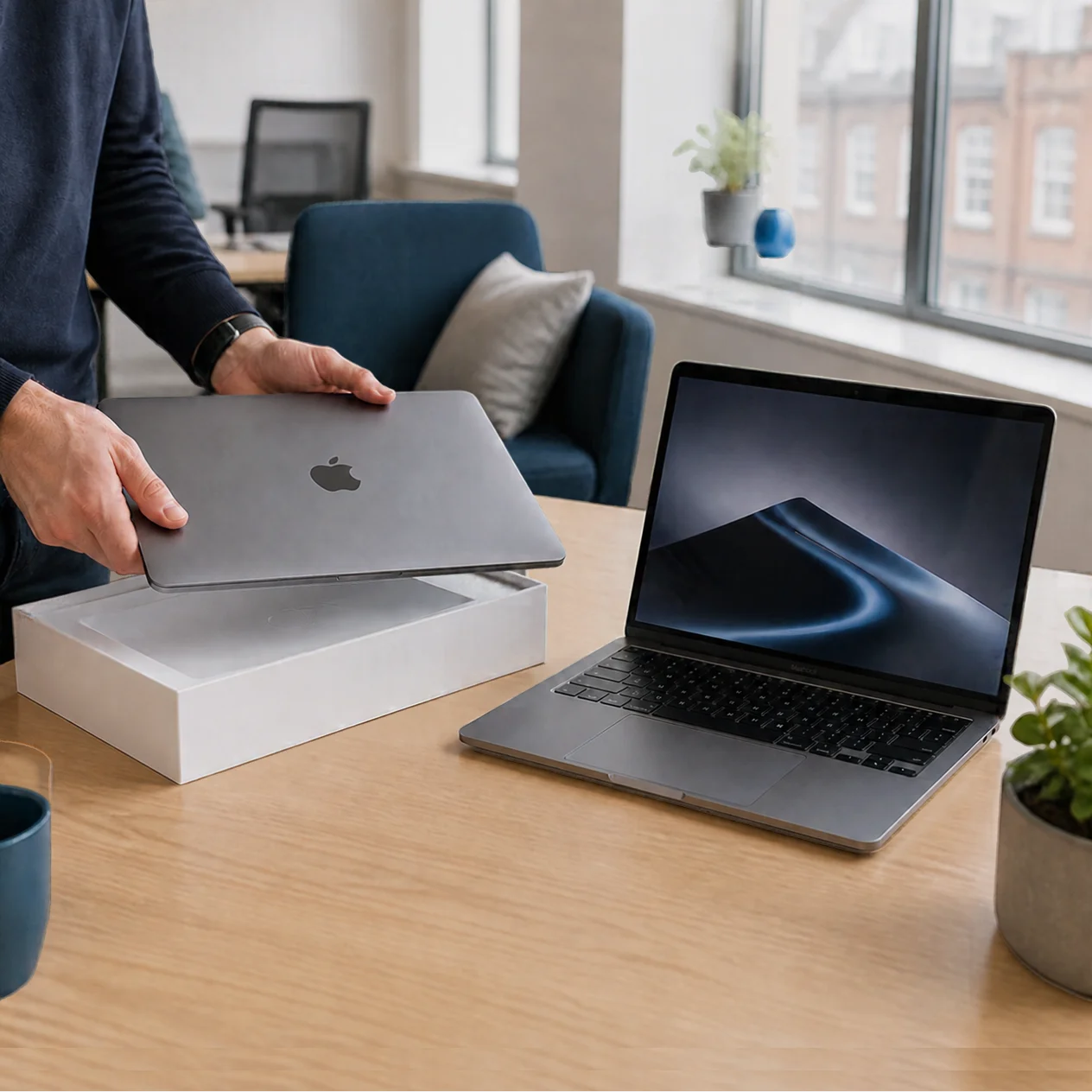
Close to it, as long as it comes from Apple. Every Certified Refurbished Mac goes through full functional testing, has genuine Apple parts fitted where anything needed replacing, and is cleaned and inspected before it’s sold. It ships in a new white box with its cables and operating system, and the listing tells you when that model was first released.
What “certified refurbished” means at Apple
The word “certified” is the useful part. Plenty of sellers call a Mac refurbished, and their standards vary a lot. Apple Certified Refurbished means Apple did the work itself and stands behind it with its own warranty. If you see “refurbished” on a third-party site without that wording, treat it as a different product with its own terms.
Battery and condition
One detail is easy to miss. Apple promises a new battery and outer shell on refurbished iPhones and iPads, and that promise doesn’t extend to Macs. A refurbished Mac gets replacement parts as needed, so the battery will have passed Apple’s testing but may not be brand new.
For a desk-based role that hardly matters. For someone who works from trains and client offices all week, it might. Dr Logic recommends checking battery health on every refurbished laptop when it arrives (System Settings, then Battery) and noting it in your device register, so you’ve got a baseline if it fades early. It’s also worth reading what’s in the box, as some listings ship without a power adapter.
What changes for warranty and business support on a refurbished unit?
Less than most people expect. A Certified Refurbished Mac from Apple UK carries Apple’s one-year limited warranty and the 14-day returns policy, and you can add AppleCare to it. For support purposes, it behaves like any other Mac you bought from Apple.
Third-party refurbishers are where the terms change. The warranty is theirs, the length varies, and the parts may not be Apple’s own. Some are very good. Before you buy, check who honours the warranty, how repairs are handled, and whether the Mac has been released from its previous owner’s systems (more on that below).
| Feature | New from Apple | Apple Certified refurbished | Third-party refurbished |
|---|---|---|---|
| Price | Full price | Up to 15% less (Apple UK) | Varies, often lower |
| Warranty | Apple one-year limited warranty | Apple one-year limited warranty | Set by the seller |
| Parts | New | Genuine Apple parts were replaced | May not be Apple parts |
| Battery | New | Tested, not guaranteed new | Varies |
| AppleCare | Available | Available | Check eligibility with Apple |
| Apple Business | Linked if bought on your business account | Ask if the order links to your Apple Customer Number | Add with Apple Configurator; check it's released from any previous owner |
| Stock | Choose any configuration | Limited, configurations change | Varies |
AppleCare eligibility on refurbished units
You can buy AppleCare for a Certified Refurbished Mac, the same as you would for a new one. Do check which AppleCare product fits company-owned devices: AppleCare One only covers devices in a personal Apple Account, which rarely suits a business fleet. Our piece on AppleCare One and business devices explains the gap.
Apple Business enrolment considerations
This is the bit that causes problems later if it’s skipped. Every Mac you buy should end up in Apple Business, so it enrolls in your DMS (formerly MDM) automatically and can’t be locked to someone’s personal account when they leave.
If you buy refurbished from Apple on your business account, ask whether the order will be linked to your Apple Customer Number. If it is, the Macs appear in Apple Business like any new purchase. If it isn’t, or you bought elsewhere, you can still add each Mac with Apple Configurator on an iPhone, ideally while it’s fresh out of the box and has nothing on it yet.
With third-party refurbished or second-hand Macs, check one more thing. A Mac still assigned to another organisation’s Apple Business will show a remote management prompt during setup, and you can’t add it to yours until that organisation releases it.
When does refurbished make sense for a fleet, and when doesn’t it?
Price is the easy part of the decision. Stock and age are the parts that catch teams out.
Apple says refurbished supplies are limited, and configurations come and go. If you need twelve identical Macs for a team starting next month, one refurbished order probably won’t cover it, and a fleet of slightly different specs is more work for whoever supports it. Refurbished works best topping up a fleet a few machines at a time.
Age matters because older models get fewer years of macOS updates. Apple doesn’t publish end dates, so use the original release date on the listing as your guide. A Mac that drops off macOS support can’t pass Cyber Essentials, which needs supported software. If you plan to keep each Mac for four years and the model is already two years old, that’s worth weighing before you save the money.
If you’re mid-refresh and want a second opinion on where refurbished fits, we’re happy to look at the plan with you.
Cost against risk by role
The saving is real but modest, up to 15% a machine. The risk with refurbished is mostly a shorter useful life and a less predictable battery. Some roles barely notice either; others feel both every day.
Which roles are refurb-safe
Here’s the rule we’d use. If a role runs on a standard spec and you’ll replace the Mac well inside its likely support life, refurbished is fine. That usually covers:
- Account management, operations, finance and HR
- Project managers and new starters on a standard build
- Your spare and loan pool
Buy new for:
- Heavy creative work, such as video, 3D and very large design files, where the latest chip or a high-end configuration earns its keep
- People who live on battery, travelling or moving between client sites most of the week
- Any role where you plan to keep the Mac for your full refresh cycle
Before your next order, put each role against two questions. Does it need more than the standard spec? Will you keep this Mac longer than its likely support life? Two “no” answers means refurbished is a safe buy.
Working out which roles get new Macs this year?
We’ll look at your refresh plan and tell you where refurbished saves money without storing up problems.
Related articles
- Beyond the spec sheet: how to build a Mac refresh strategy that saves money and reduces waste
- AppleCare One launches in the UK, but it only covers devices linked to a personal Apple account
FAQs
Is an Apple Certified Refurbished Mac as reliable as a new one?
It comes close. Apple fully tests each one, fits genuine Apple parts where needed, and covers it with the same one-year limited warranty as a new Mac. The main difference is the battery, which Apple doesn’t promise to replace on refurbished Macs, so check its health when the laptop arrives.
Can you buy AppleCare for a refurbished Mac?
Yes. Apple lets you add AppleCare to a Certified Refurbished Mac in the same way as a new one. For company-owned devices, check which AppleCare product suits a business, because AppleCare One only covers devices in a personal Apple Account. Third-party refurbished Macs depend on the seller’s own warranty terms.
Can refurbished Macs be added to Apple Business?
Yes. If you buy from Apple on your business account and the order is linked to your Apple Customer Number, they appear in Apple Business like new purchases. Otherwise you can add each Mac with Apple Configurator on an iPhone, ideally before it’s set up, so there’s nothing on it to lose.
How much cheaper are refurbished Macs in the UK?
Apple UK says its Certified Refurbished products save up to 15% against the new price. The exact saving depends on the model and configuration, and stock changes often. Third-party refurbishers can be cheaper still, but their warranties, parts and testing standards vary, so compare the terms as well as the price.
Which staff should get refurbished Macs?
Roles that run on a standard spec and replace their Mac well inside its support life, such as operations, finance, account management and new starters. Buy new for heavy creative work, people who rely on battery all week, and any Mac you plan to keep for a full refresh cycle.