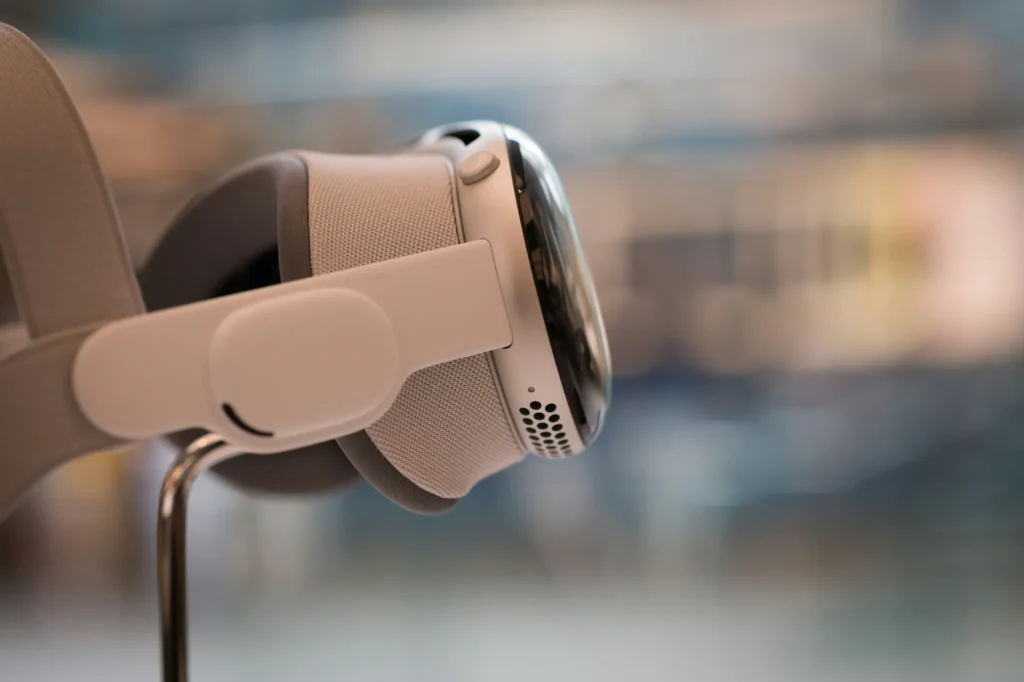
Apple Vision Pro is ready to change part of the client review meeting, though not to replace it outright. For a Mac-first creative agency deciding whether spatial computing belongs in a client-facing workflow, that is the honest starting point, and it is a more useful answer than either the enthusiast case for buying one tomorrow or the sceptic case for waiting another generation.
Most of what has been written about Vision Pro treats it as a consumer purchase decision: is it worth the money at home, is the App Store mature enough, should you buy one for yourself. Almost none of it asks the question an agency actually has, which is whether this belongs in front of a paying client.
Vision pro already handles specific parts of agency creative work
Vision Pro earns its place in a design review, not in a pitch deck. Reviewing a 3D product concept, a spatial retail layout, or an architectural walkthrough at true scale, rather than on a flat monitor, changes what a designer and a client notice. Details that get missed on a 27-inch display – proportion, depth, how light falls across a surface – are obvious the moment the same model is viewed spatially.
Spatial design review is the clearest current use case
Where a project genuinely lives in three dimensions, spatial computing removes a layer of translation. A client stops imagining how a space or object will feel and starts experiencing an approximation of it directly.
Remote collaboration through Personas is useful but still limited
Vision Pro’s Persona feature lets a remote colleague appear as a digital representation inside a shared spatial session, which is a genuine step beyond a video tile on a screen share. In practice, it works best for internal collaboration between people already comfortable with the format. It is not yet a natural substitute for a client who has never used the headset before.
The app ecosystem for agency-specific tools still has real gaps
Reality Composer Pro and the visionOS developer tools are mature enough for internal experimentation. Dedicated agency workflow tools, version control for spatial assets, and structured commenting inside a spatial review are still thin. An agency adopting Vision Pro today is adopting a platform, not a finished toolchain.
Client review meetings need more from Vision Pro than internal reviews do
An internal team can tolerate a learning curve. A client, sitting in your office for an hour, cannot. This is where the agency-specific question actually gets interesting, because the honest answer complicates the case for Vision Pro rather than settling it either way.
For most client-facing scenarios, a Vision Pro session works best alongside a conventional review rather than in place of it. The headset earns its moment when there is a specific spatial reveal to make. It does not yet replace the day-to-day back-and-forth of iterative feedback, which still happens faster over a shared screen.
| Review Method | Spatial Context | Setup Effort | Client Hardware Needed | Best Suited For |
|---|---|---|---|---|
| In-person walkthrough | Full, physical | None | None | Final sign-off, hero moments |
| Traditional screen share | None | Minimal | Laptop or browser | Fast iterative feedback, distributed teams |
| Vision Pro session | Full, spatial, digital | Headset fitting, content export | Vision Pro on-site, or agency-hosted demo | 3D concept reveals, immersive walkthroughs |
In Dr Logic’s experience supporting Mac-first agencies, the sessions that land well are booked as a distinct moment in a project, a single spatial reveal, rather than folded into a routine weekly catch-up where a screen share already does the job perfectly well.
Agencies experimenting with Vision Pro alongside a wider Apple hardware refresh should get the fleet basics right before the headset arrives.
Per-seat cost limits Vision Pro to a handful of roles for now
Vision Pro belongs in a specialist purchase decision, kept separate from device management and fleet-enrolment planning until client demand for the headset, rather than novelty, is what’s driving the request.
Per-seat cost only works for a handful of specific roles
At roughly £3,199 for the entry-level 256GB M5 model in the UK, a single Vision Pro costs more than most of the laptops on an agency’s device list. For a 70- to 150-person agency, that makes it a specialist tool, not a standard-issue device. The maths work when the unit is shared across a small number of design reviews per month, not when it is issued to every creative on the team.
The first unit should go to whoever leads spatial and 3D client work
The realistic adoption path for most agencies is one or two units, owned by whoever leads 3D, spatial, or immersive client work, used for specific reveals rather than daily production, matching where the platform and the app ecosystem actually stand today.
Dr Logic recommends treating Vision Pro as a specialist creative tool rather than a fleet decision at this stage, revisited once client demand, not novelty, is what is driving the request.
What this means for your agency
The current conversation about Vision Pro rarely separates genuine capability from hype, even though the hardware itself is clearly impressive. Few pieces have separated what it does well from what it doesn’t do yet, specifically for agencies that put a client in the room. Treat it as a specialist tool for the moments where spatial context genuinely changes the conversation rather than a screen-share replacement, and the decision becomes much simpler than the hype suggests.
If your agency is weighing up where Vision Pro, or any new Apple hardware category, actually fits your workflow rather than just your wish list, talk to our Apple team about a practical fit assessment.
Related articles
- Apple IT Glossary: 142 Terms Every Mac-First Business Should Know
- WWDC 2026 Opens Monday: What UK Business Leaders Should Decide, Delay, and Watch For Before the Keynote
- Smarter, Faster, Safer: How Apple’s AI Revolution is Transforming Business Operations
FAQs
Can a creative agency use Apple Vision Pro for client presentations today?
Yes, for specific moments rather than routine meetings. It works well for spatial design reveals, 3D concept walkthroughs, and architectural or product visualisation, where seeing something at true scale changes the client’s understanding. It works alongside a standard screen-shared review rather than replacing it outright.
How much does Apple Vision Pro cost for a UK business in 2026?
The entry-level 256GB Vision Pro with the M5 chip starts at £3,199 in the UK, following a price cut from the original £3,499 launch price when the M5 model arrived in October 2025. Higher storage tiers and AppleCare cost more on top of that.
Does Apple Vision Pro replace the need for screen sharing in client meetings?
No. Screen sharing remains faster and more familiar for day-to-day iterative feedback. Vision Pro adds value for specific spatial reveals where a flat screen genuinely limits what a client can understand, used alongside video calls rather than in place of them.
How long can someone comfortably wear Apple Vision Pro during a work session?
Comfort varies by person, but most users report the current Dual Knit Band as workable for a focused session of an hour or so rather than a full working day. For agencies, this supports the case for booking Vision Pro as a distinct session rather than leaving it on throughout a meeting.