
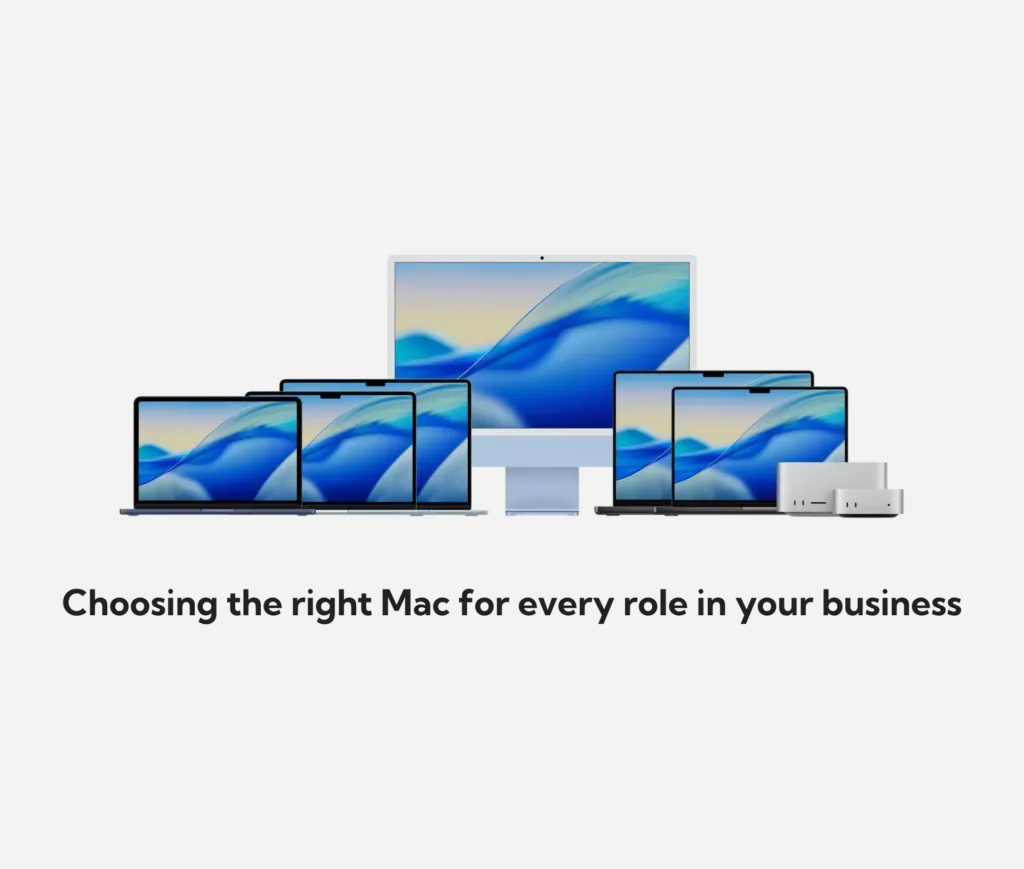
Apple sells six current Macs, and the gap between the cheapest and most expensive has never been wider: a MacBook Neo starts at £699, and a fully specced Mac Studio starts at £2,499. Buy the wrong one for a role, and you’re either overpaying every refresh cycle or replacing the machine early because it can’t keep up. Neither is a rounding error at fleet scale.
Rather than evaluating laptops individually, this guide serves as a practical framework to align actual role requirements with smart purchasing decisions across the entire line-up.
The six Macs, in a sentence each
| Model | From | Best fit |
|---|---|---|
| MacBook Neo | £699 | Field, frontline, and shared-device roles |
| MacBook Air (13"/15") | £1,299 | Most knowledge-work roles, general office and hybrid |
| MacBook Pro (14"/16") | £1,999 | Sustained heavy workloads: video, dev, data, 3D |
| Mac mini | £899 | Desk-bound roles that already have a monitor |
| iMac | £1,499 | Shared spaces, reception, one-box simplicity |
| Mac Studio | £2,499 | Desktop-equivalent of Pro-tier sustained work |
Pro and Studio figures are entry prices for the base chip configuration. Genuinely GPU-heavy roles, sustained video export, and 3D rendering tend to need a step up to a higher chip tier within that model, which costs more than the entry figure shown.
Laptop or desktop comes before chip tier or memory
Before chip tier or memory, decide whether the role needs to move. A role that travels, works from client sites, or splits time between office and home needs a laptop. The desktop options don’t come into it. A role that sits at one desk all day is a different conversation entirely, and it’s the one businesses skip past most often, defaulting to a laptop for everyone because that’s what the last refresh bought.
For desk-bound roles, a desktop is usually the better buy. You get more performance per pound, since you’re not paying for battery, portability, or a built-in screen you might already have, and the device doesn’t leave the building where it could be lost, dropped, or stolen.
Choosing between the MacBook Neo, Air, and Pro
We’ve covered this in detail elsewhere, so we won’t repeat the full framework here. In short: the Neo suits field and shared roles, the Air is the right default for most knowledge work, and the Pro earns its premium only for roles running sustained, full-capacity workloads for hours at a time: long video exports, large software builds, heavy data or 3D work. That’s the distinction that should decide the tier; job titles are a poor proxy for it. Worth noting again here: the roles that genuinely need that GPU headroom usually need a chip step-up beyond the Pro’s £1,999 entry price, not just the base configuration.
Choosing between the Mac mini, iMac, and Studio
The three desktop options map to the same logic as the laptops, just without the portability trade-off.
Mac mini: the desktop equivalent of the Air
The Mac mini covers general office and hybrid roles at the lowest desktop entry price, provided the desk already has a monitor, keyboard, and mouse. For a business already holding onto usable displays from a previous PC fleet, it’s the cheapest way into current Apple silicon per seat.
iMac: built-in display for shared spaces
The iMac bundles a 4.5K display into the machine itself. That’s worth paying for in shared spaces where you don’t want a mismatched second-hand monitor doing the job, reception and front-of-house desks, meeting rooms, or any spot where the setup needs to look right without someone sourcing a screen separately.
Mac Studio: the desktop equivalent of the Pro
The Mac Studio is the desktop equivalent of the Pro: it exists for roles running sustained heavy workloads at a fixed desk rather than on the move. A video editor, 3D artist, or developer who never leaves their desk gets more sustained performance per pound from a Studio than from a Pro laptop, since desktop cooling doesn’t have to fit inside a laptop chassis. As with the Pro, the entry configuration covers general sustained work; the most demanding creative and engineering roles typically need a step up from there.
If a role needs Studio-level performance and a display isn’t already sitting on the desk, a Studio Display (from £1,499) or Studio Display XDR (from £2,999) is the pairing to budget for alongside it, a real addition to the total cost, and one that’s easy to miss when comparing against an iMac’s all-in-one price.
Choosing between a Mini, an Air and an iMac shouldn’t be guesswork
Dr Logic can map which desks need which Mac, and spec memory and storage correctly before you order.
Turning this into a device procurement policy
The pattern across both laptops and desktops is the same: match the device to what the work does to the machine, not to what looks impressive on a desk or in a meeting. A policy that names which roles qualify for which tier, agreed by IT and operations before the next procurement round, is what stops that logic from being renegotiated every time someone asks for an upgrade.
Related articles
FAQs
Should a growing business buy laptops or desktops?
Both, split by role rather than by default. Anyone who travels, works from client sites, or splits time between locations needs a laptop. Anyone who sits at one desk all day gets better performance per pound from a desktop, provided the desk already has a monitor.
What's the actual difference between a Mac mini and an iMac for business use?
The Mac mini is cheaper but needs its own monitor, keyboard, and mouse. The iMac bundles a display into the machine, which is worth the premium for shared spaces and reception desks where you don’t want to source a separate screen.
When does a Mac Studio make more sense than a MacBook Pro?
When the role never leaves its desk. A Studio gives more sustained performance per pound than a Pro laptop for the same money, since it doesn’t need to fit that performance inside a portable chassis, but you’ll need to budget for a display separately unless one’s already in place.
Is the MacBook Neo good enough for a whole team?
For field, frontline, and shared-device roles, yes. For most knowledge work, it’s the wrong tier, and the Air is the better default there. The Neo’s savings are best spent on the roles it actually fits rather than spread across the whole team.




















