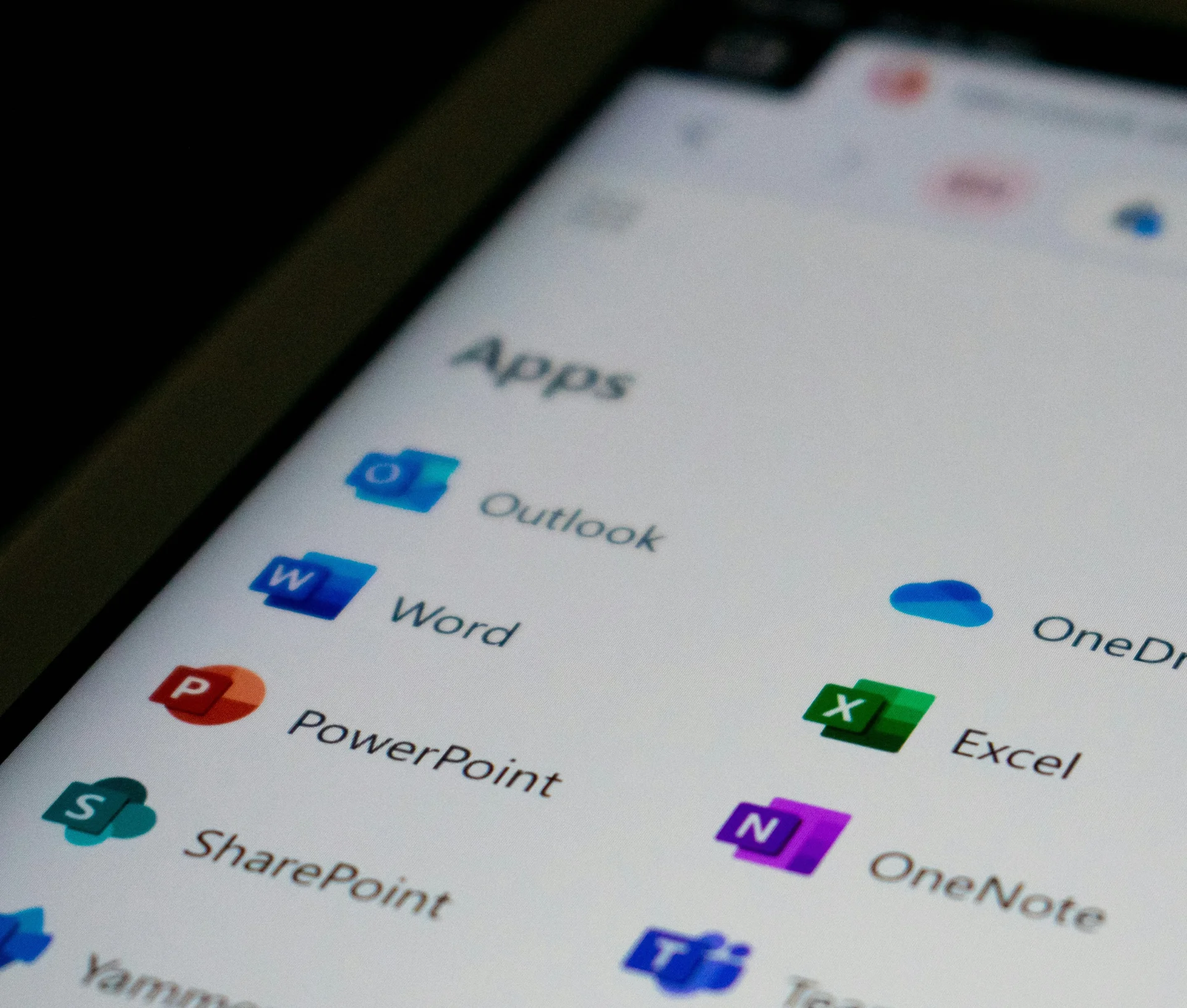
If your business runs on Microsoft 365 and your Macs have Apple silicon, letting people log into their Macs with their work account is worth a small pilot. If you run on Google Workspace, it’s possible, but Google doesn’t provide its own route, so it needs an extra login tool from your device management provider.
That’s the short answer. The longer one depends on what you pay for, which Macs you have and who picks up the phone when someone’s locked out.
What does logging into a Mac with a work account actually mean?
Normally, a Mac has its own local password, and people sign in to Microsoft 365 or Google separately. Platform SSO (single sign-on) is Apple’s framework for joining the two up, so the Mac sign-in and the work account become one login.
Day-to-day, people sign in to their Mac once, and their work apps are already signed in. When someone leaves, you switch off one account in Microsoft or Google, and their access to work apps goes with it. The Mac itself still needs to be collected or locked through your device management.
Microsoft offers three ways to do it:
- With the password method, the Microsoft password replaces the Mac password, and the two stay in sync.
- With the Secure Enclave method, a key stored in the Mac’s security chip signs people in to work apps, usually with Touch ID, and the Mac password stays separate.
- With the smart card method, a physical card does the job.
Which one you pick matters later, for Cyber Essentials.
What changed in macOS 27?
macOS 27, which Apple calls Golden Gate, came out on 14 September and brought the biggest changes to Mac sign-in in a while.
Apple added a web-based sign-in option. The Mac can now show your identity provider’s own sign-in page at the login window, the Lock Screen and the FileVault unlock screen, including multi-step and multi-factor sign-in and QR-code sign-in. On a supervised Mac (one owned and managed by the business), IT can also require Touch ID or Apple Watch as a second factor at those points. It can also let people join a different network at the login window, such as a hotel’s Wi-Fi sign-in page, which matters for anyone who travels.
Behind the scenes, Platform SSO settings move into Apple’s newer declarative management model, the way device management tools now tell Macs what to do.
Two practical catches. macOS 27 runs only on Apple silicon Macs, so Intel Macs are out. And Apple’s notes for macOS 27.2 include Platform SSO fixes, including password sync on Macs that registered under macOS 26 or earlier, so it’s worth being on the latest version before you start.
Should you do it, and what does it depend on?
The biggest factor is which identity provider you pay for, because Microsoft and Google work quite differently here.
| Factors | Microsoft 365 (Entra ID) | Google Workspace |
|---|
For Microsoft, this is mature enough for most small fleets on Apple silicon. For Google, it can be done, but you’re relying on a third-party layer, so test how it behaves when someone’s offline or travelling before you roll it out widely.
What does it mean for Cyber Essentials?
This is where the method you choose matters.
Under Cyber Essentials, a password or PIN that only opens a device needs at least 6 characters. But the requirements say that when the device unlock credential is also used to sign in to services, the full password rules apply. That means multi-factor authentication, a password of at least 12 characters, or at least 8 characters with automatic blocking of common passwords.
So with Microsoft’s password method, the Mac password is your Microsoft password, and it has to meet the full rules. With the Secure Enclave method, the Mac password stays a device-unlock credential, and sign-in to work apps is passwordless. Either way, Cyber Essentials expects multi-factor authentication on cloud services. Our article on Cyber Essentials Plus requirements for a Mac and iPhone fleet covers the full password rules, and MFA, SSO and password managers cover when single sign-on makes sense more broadly.
Thinking about one login for Mac and Microsoft 365?
We’ll pilot Platform SSO on a few of your Macs first, so you see how sign-in, resets and travel work before anyone else is affected.
How do you try it safely?
Start with three questions:
- Which identity provider do you pay for, Microsoft or Google?
- How many of your Macs are Apple silicon and on macOS 26 or later?
- Who would reset someone locked out on a Friday evening?
If all three have a clear answer, ask your IT provider to pilot Platform SSO on three Macs for a month, including someone who travels. If you’d like us to run that pilot with you through your device management, we’re happy to set it up. For the wider set of macOS 27 changes, see our macOS 27 security changes piece.
Related articles
- MFA, SSO and password managers: what your Mac-first business actually needs in 2026
- Cyber Essentials Plus requirements for a Mac and iPhone fleet
- macOS 27 is live: the security changes that will quietly break on your Mac fleet
FAQs
Can you log into a Mac with a Google Workspace account?
Yes, but not through a native Google route. Google hasn’t released a Platform SSO extension, so you need a login-window tool from your device management provider, such as Addigy Identity. Some vendors now use macOS 27’s new web sign-in to offer Google, but that’s recent, so pilot it before rolling it out.
What do you need to use Platform SSO with Microsoft 365?
Macs managed through device management, Microsoft’s Company Portal app at version 5.2404.0 or later, and a supported macOS version. To set it up during enrolment, Microsoft needs macOS 26 or later and Company Portal 5.2604.0 or later. macOS 27 itself only runs on Apple Silicon Macs.
Does Platform SSO change our Cyber Essentials password rules?
It can. If the Mac password is also used to sign in to work services, as with Microsoft’s password method, the full Cyber Essentials password rules apply in place of the 6-character device-unlock minimum. With the Secure Enclave method, the Mac password stays a device-unlock credential.
What's new for Mac sign-in in macOS 27?
macOS 27 can show your identity provider’s own sign-in page at the login window, Lock Screen and FileVault unlock, including multi-factor and QR-code sign-in. Supervised Macs can require Touch ID or Apple Watch as a second factor and can join captive Wi-Fi networks at the login window.