

For a long time, Apple devices were seen as the elegant but awkward choice in regulated environments. Secure, yes. Popular with users? Definitely! But, historically, often treated as harder to evidence, harder to control, and harder to map to formal compliance frameworks.
That assumption no longer holds.
When macOS is deployed and managed properly, Apple can simplify compliance rather than complicate it. Encryption is built in. Identity is baked into the platform. Controls are consistent across devices. The challenge is not the technology. It is whether it is being implemented with regulatory reality in mind.
This article explains what compliance on macOS actually looks like today, where organisations commonly go wrong, and how Apple-native management aligns cleanly with frameworks like ISO 27001, Cyber Essentials and GDPR.
What regulators actually care about
Most compliance frameworks are less interested in the brand of device and more concerned with a few core principles:
- Who can access data
- How data is protected at rest and in transit
- Whether access can be revoked quickly
- How activity is logged and audited
- Whether controls are consistent and provable
Apple’s security model maps very naturally to these requirements, provided it is configured intentionally rather than left to defaults.
Built-in encryption that satisfies real-world requirements
Every modern Mac uses full-disk encryption via FileVault, backed by hardware-level protection.


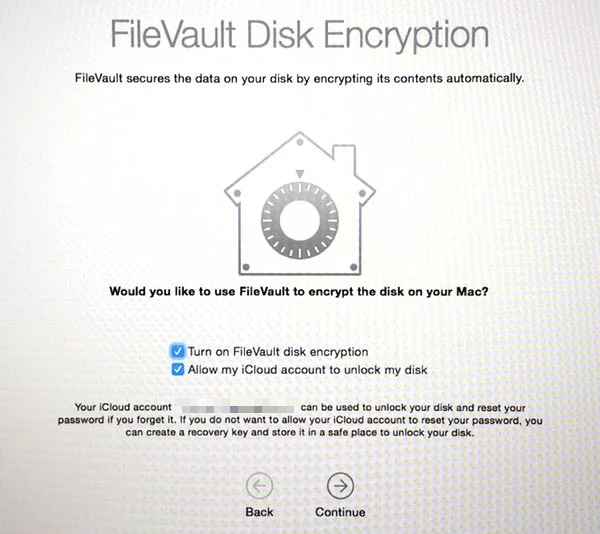
What matters for compliance is not that encryption exists, but that it is enforced, monitored and recoverable.
On a properly managed Mac estate:
- FileVault is mandatory, not optional
- Recovery keys are escrowed securely via MDM
- Encryption status is centrally visible and auditable
- Data remains protected even if a device is lost or stolen
For GDPR and ISO-style controls, this directly supports requirements around data protection, loss mitigation and confidentiality without relying on third-party disk encryption tools.
Further reading: MDM enforcement with macOS 26’s Tahoe update
Identity-first access instead of perimeter thinking
macOS is designed around identity, not network location. This is a quiet but powerful shift for regulated organisations.
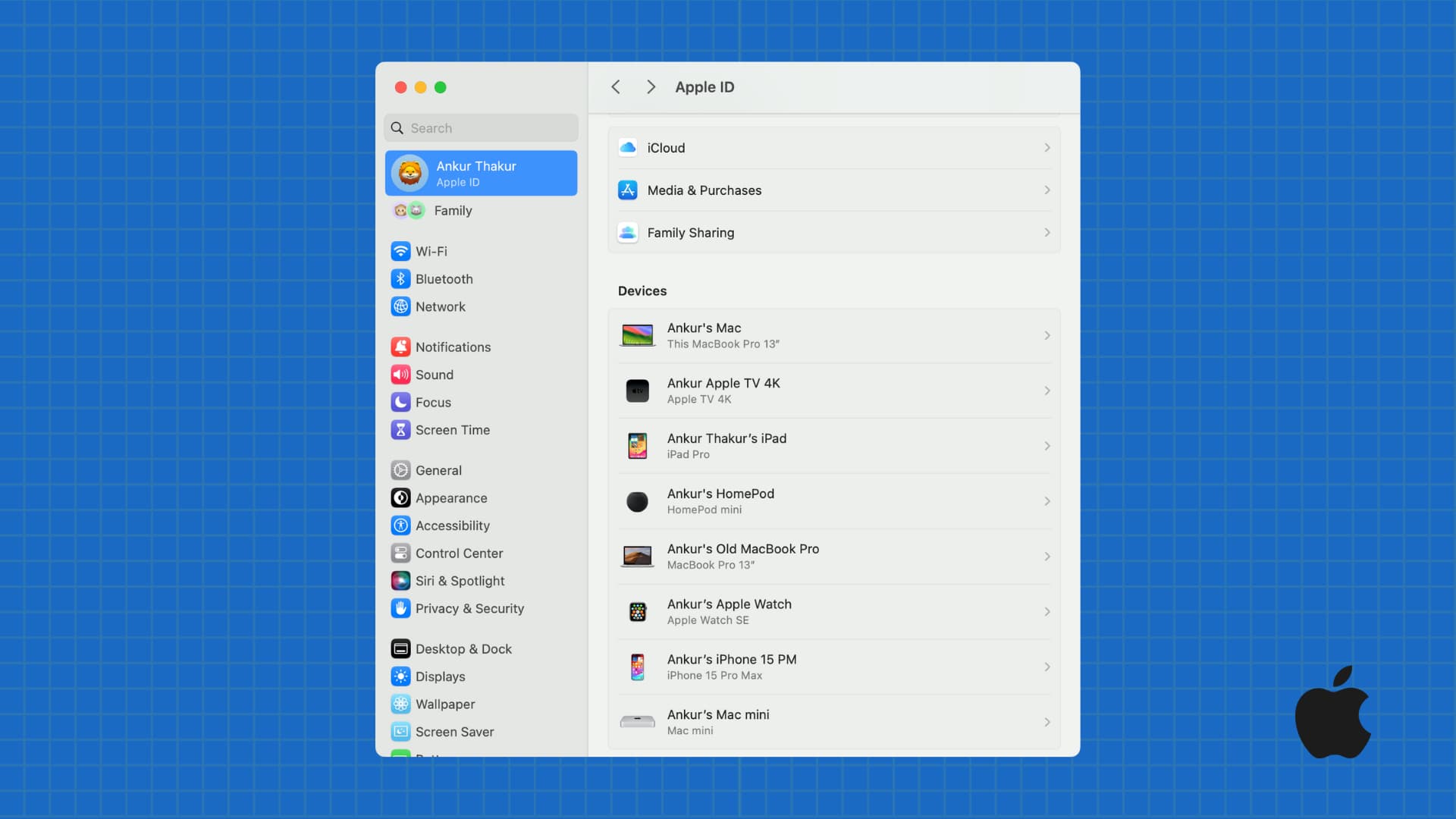
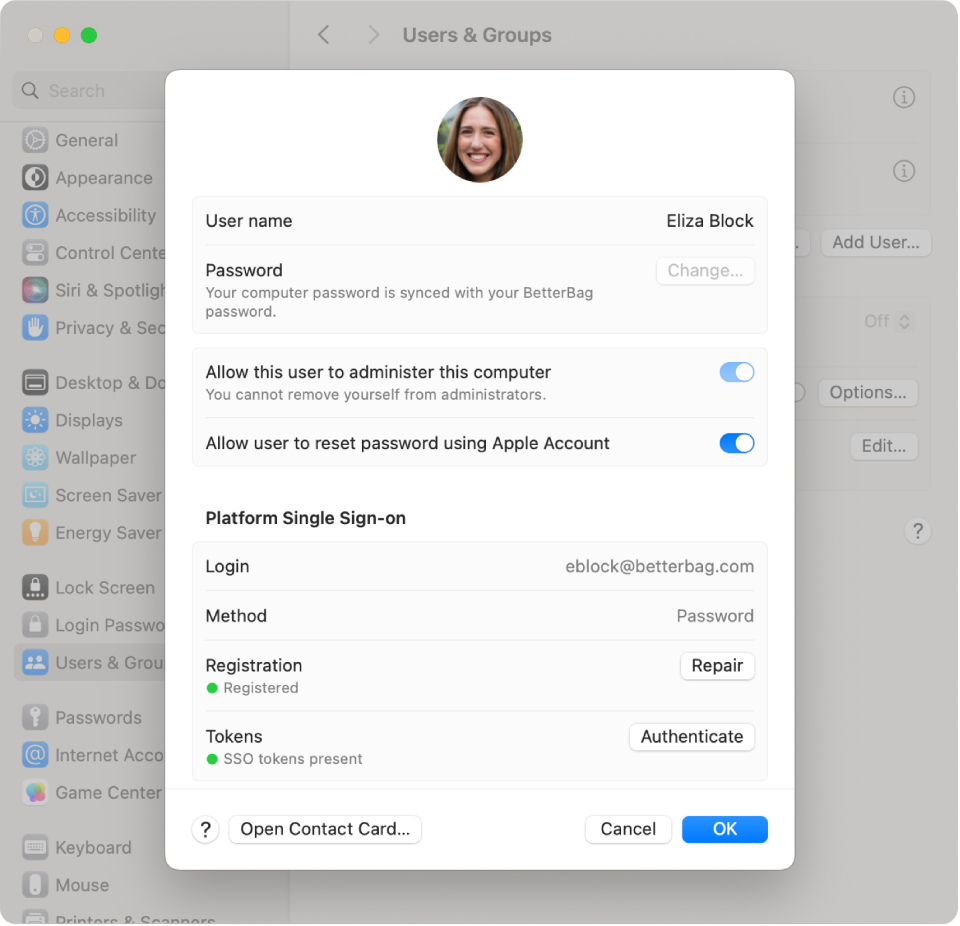
When integrated correctly:
- User identity governs access to the device
- Password, biometrics and secure tokens are enforced by policy
- Access can be revoked instantly if a user leaves
- Devices cannot drift into unmanaged states
This aligns closely with zero-trust principles and modern interpretations of access control found in ISO 27001 and Cyber Essentials Plus.
Where organisations fall down is allowing unmanaged local accounts, shared logins, or devices that sit outside MDM control. At that point, Apple’s strengths are wasted.
Configuration control and consistency via MDM
From a compliance perspective, consistency is everything. Regulators want to see that controls are applied everywhere, not just in theory.


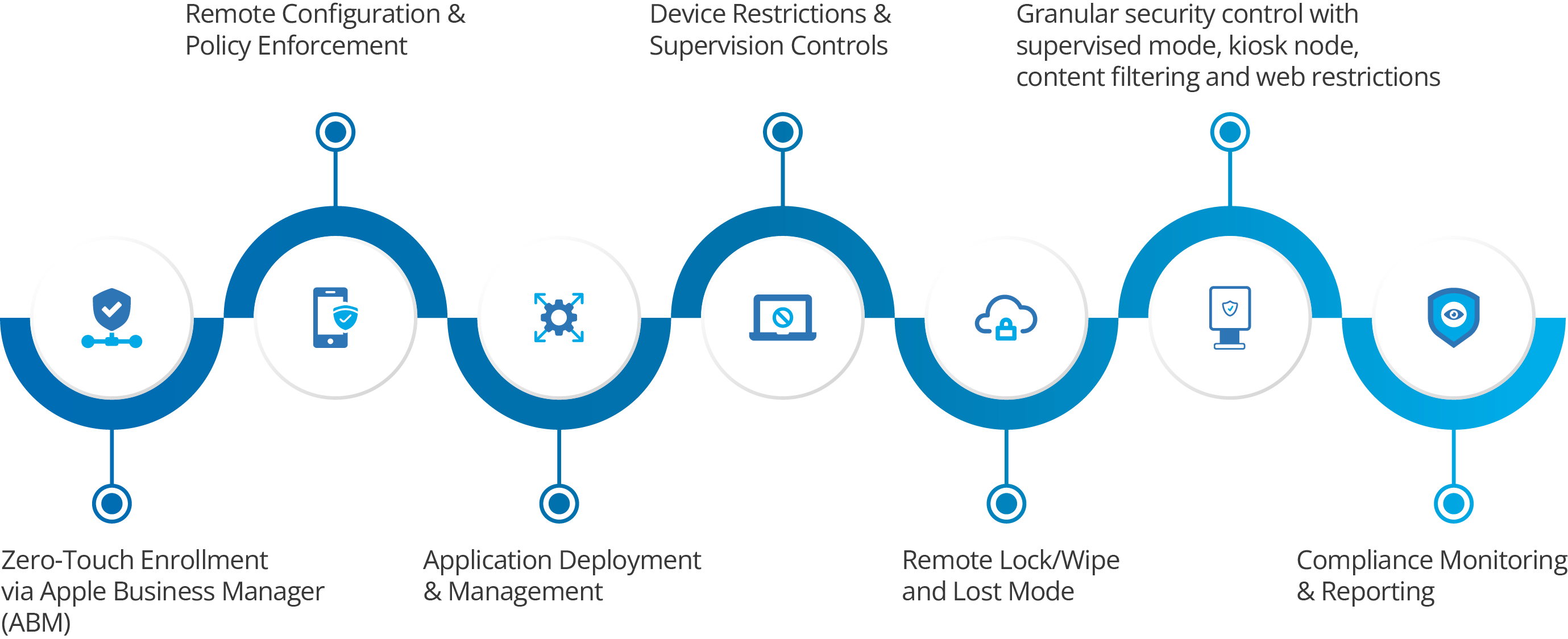
With a properly configured Apple MDM:
- Security settings are enforced, not suggested
- Firewall, Gatekeeper and system integrity protection are locked down
- OS update policies are controlled and monitored
- Users cannot disable critical protections
This removes reliance on user behaviour, which is one of the biggest hidden compliance risks in creative, legal and professional services environments.
Auditing, logging and evidence gathering
One of the most persistent myths about Apple in regulated industries is that it lacks auditability. In practice, macOS produces clean, reliable data when managed correctly.
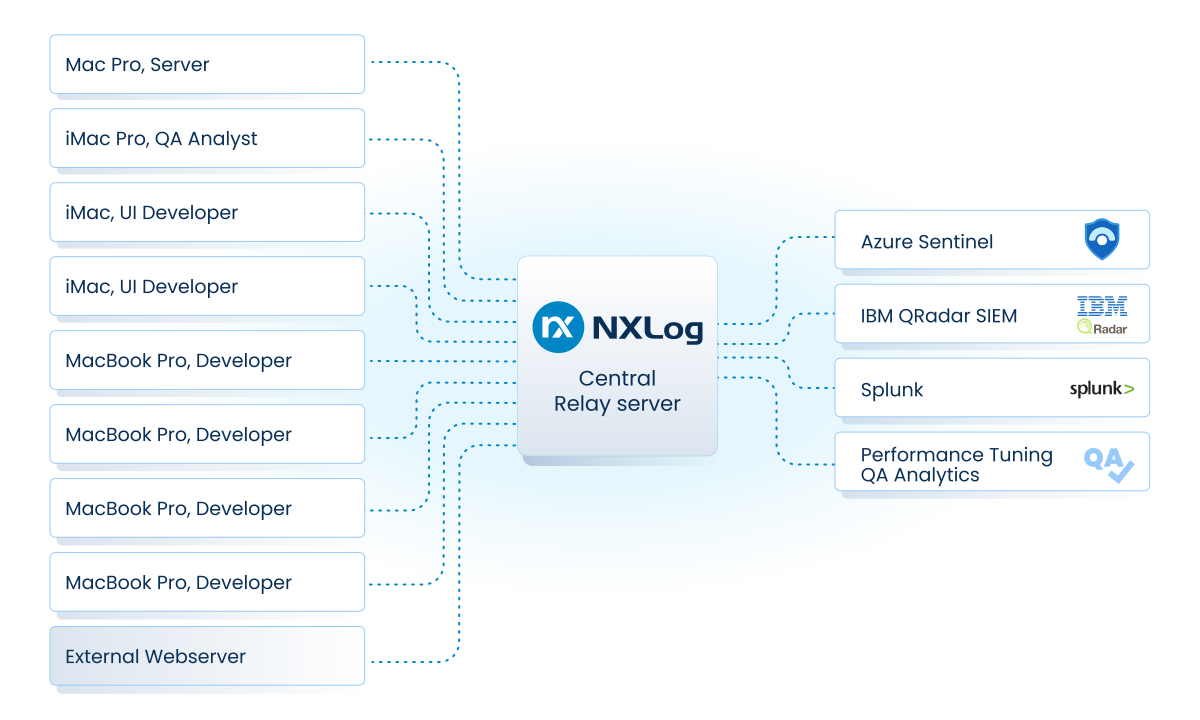
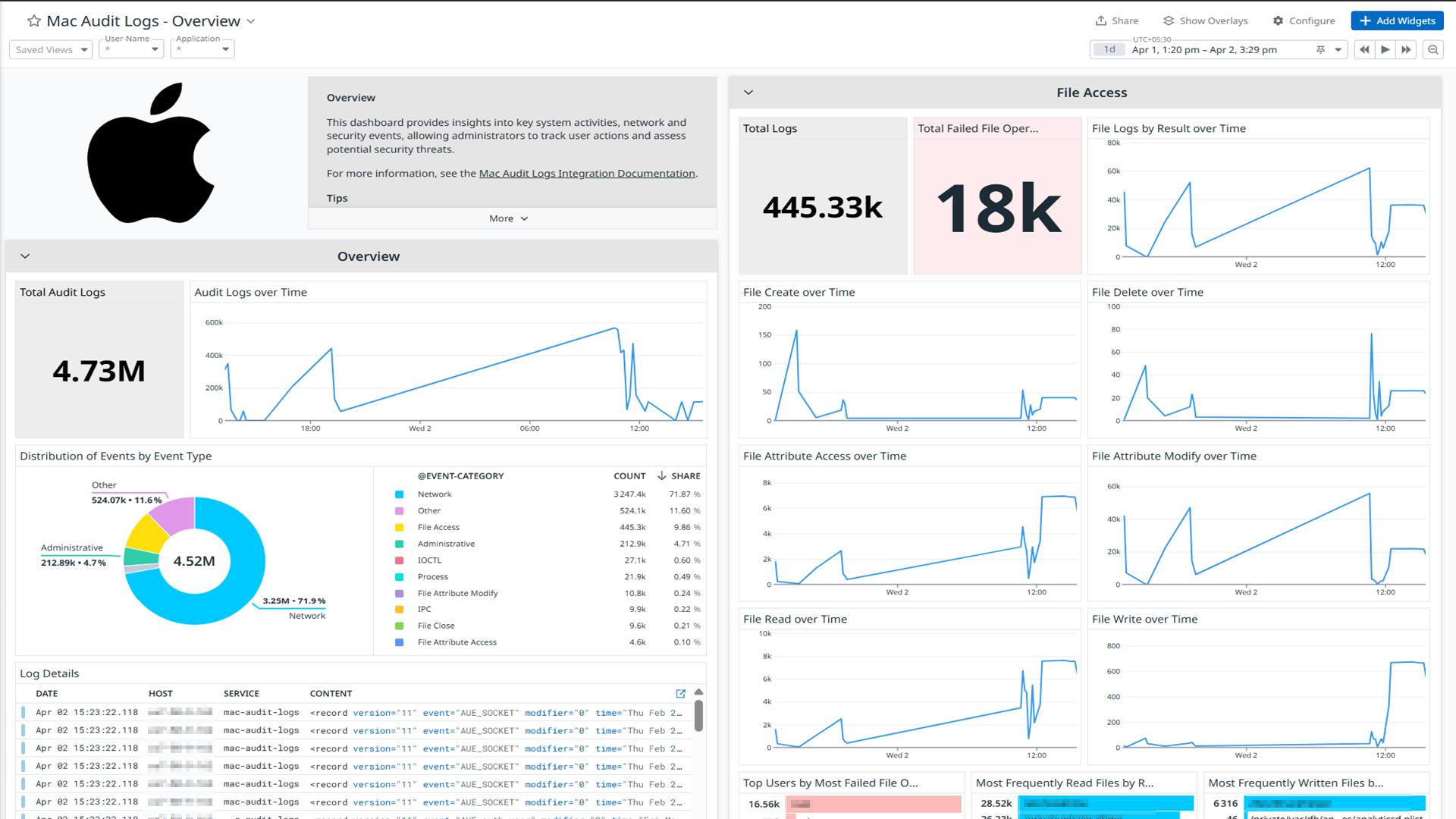
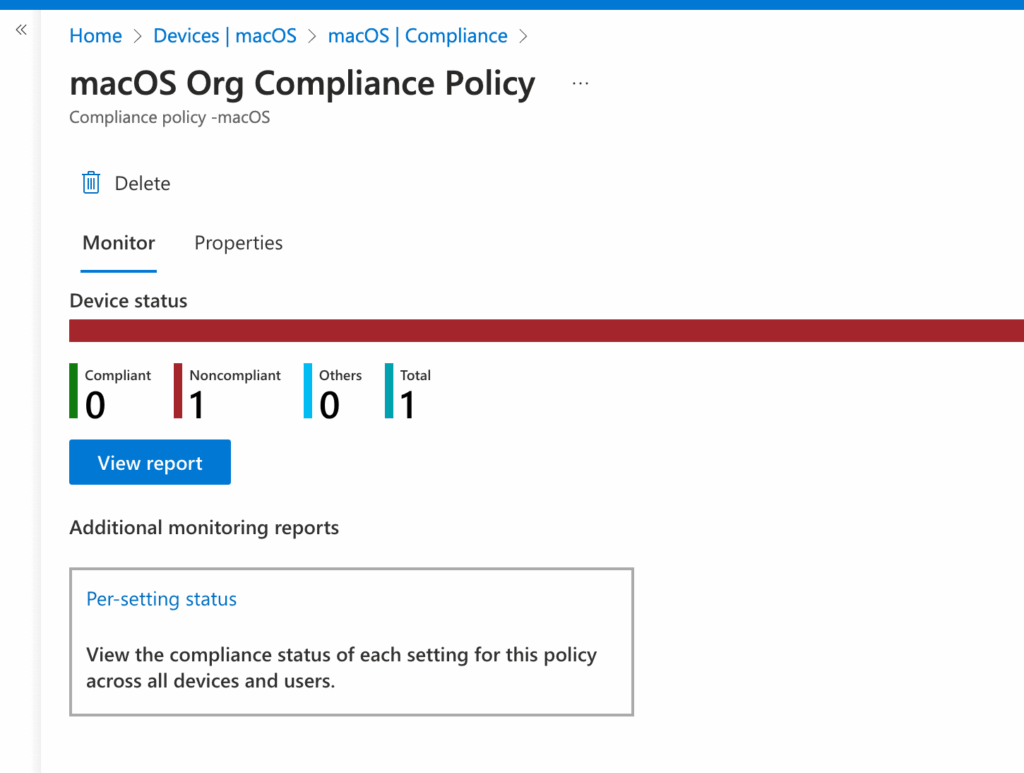
A mature Apple setup allows you to:
- Prove encryption status across the fleet
- Show patch levels and OS versions
- Evidence access controls and device ownership
- Demonstrate rapid deprovisioning when staff leave
This is often easier than on mixed or legacy Windows estates, where controls are fragmented across multiple tools.
Mapping Apple controls to common frameworks
Here is how macOS typically aligns in practice:
ISO 27001
- Encryption at rest and in transit is native
- Access control is identity-driven
- Device lifecycle is controlled centrally
- Evidence can be exported cleanly
Cyber Essentials
- Malware protection is supported by platform-level controls
- Firewalls and secure configuration are enforceable
- Patch management is visible and measurable
GDPR
- Data protection by design is built into the OS
- Device loss does not automatically mean data loss
- Access revocation is immediate and provable
The technology is rarely the blocker. Poor setup almost always is.
Common compliance mistakes on macOS
Even organisations with Apple-heavy estates make predictable errors:
- Allowing Macs to be used outside MDM
- Treating encryption as user-configured rather than enforced
- Mixing personal and corporate Apple IDs
- Relying on manual processes for leavers
- Assuming Apple equals secure without validating controls
These gaps tend to surface during audits, incidents, or leadership changes when documentation is suddenly required.
Practical resources for regulated teams
If you are responsible for compliance on an Apple estate, these are genuinely useful starting points:
- A macOS compliance readiness checklist
- A FileVault and encryption audit template
- An MDM configuration baseline for regulated environments
- A leavers process mapped to Apple device controls
These are the kinds of resources that turn Apple from a perceived risk into a demonstrable strength. If you’re missing any of the above or think your existing policies could do with an update, contact our team for a (free) consultation and review of your resources.
Ready to sanity-check your Apple compliance posture?
If you operate in a regulated environment, confidence matters. Not assumptions. Not inherited setups. Not “it’s probably fine”.
Dr Logic helps regulated organisations design, manage and evidence Apple environments that stand up to real scrutiny. From MDM architecture and encryption enforcement to audit readiness and leaver processes, we make Apple estates simple to run, secure by default, and easy to prove.
If you want to know:
- Whether your current Mac setup would stand up to an audit
- Where your biggest compliance gaps actually are
- Or what “good” looks like for Apple in your sector
We can help.
Book a compliance-focused Apple review with Dr Logic and get a clear, practical view of where you are today and what to fix next.
Simple. Secure. Human. Apple-native.




















